Introduced with R6
Introduction
A Super fast spline trimming Modifier, which can do stippling faster than anything else.
Its easier than anything else, and an order of magnitude faster than anything else.
- this works by reducing the number of points your spline has. it just clips points of the end of the point count. that makes it super fast...
- Stipple works by changing the number of segments, it does not effect the point count. Again, super simple and super fast.
if you compare what it does to other methods, it is less flexible, be therefor it is an order of magnitude faster. You can modifiy lots of splines very quickly with this. It was made specifically to manage lots of contour lines, but it will work just fine with any spine you throw at it.
Easy to use, and very fast.
The more splines you give it to work on, the better it gets !
Settings
Strength
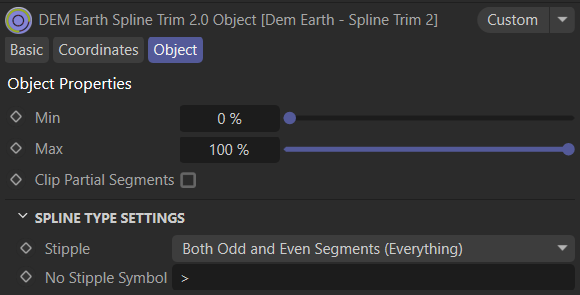
Trims points of the end of your spline.
- Min is the start..
- Max defines the end.
if max is less than min, the values are swapped.
All points still exist on the spline. neither point count or segment count change when with in the new Trim method.
Clip Partial Segments
When this option is active, if points are removed from a segment, the entire segment is removed.
Stipple
Stipple creates new segments from a spline. skipping every other edge point connection. it does not change the point count, only the segment count.
- Off : no segments are stippled.
- Both : all segments are stippled.
- Even: only segments with even point count are stippled.
- Odd: only segments with an odd point count are stippled.
No Stipple symbol
- If stipple is enabled, you can set a symbol to define which objects will not get stippled.
- i.e. if the the symbol is ">" and a spline has ">" in its name, it will not be stippled.
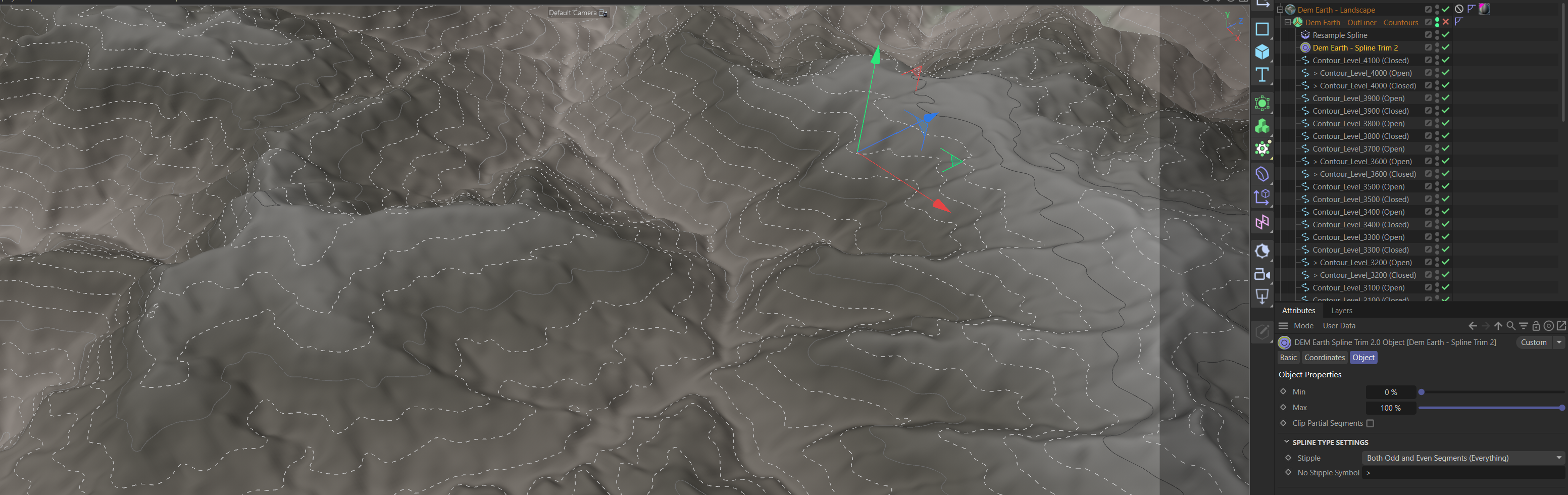
i.e. Here, major lines have ">" in their name, so they do not get stippled. You can do the opposite by setting the symbol to "<". The Contour generator automatically sets ">" for major, and "<" for minor contours. You can control this manually by inserting the symbol into the name of the spline.
Stipple is logical on points.Neither adds or removes points.
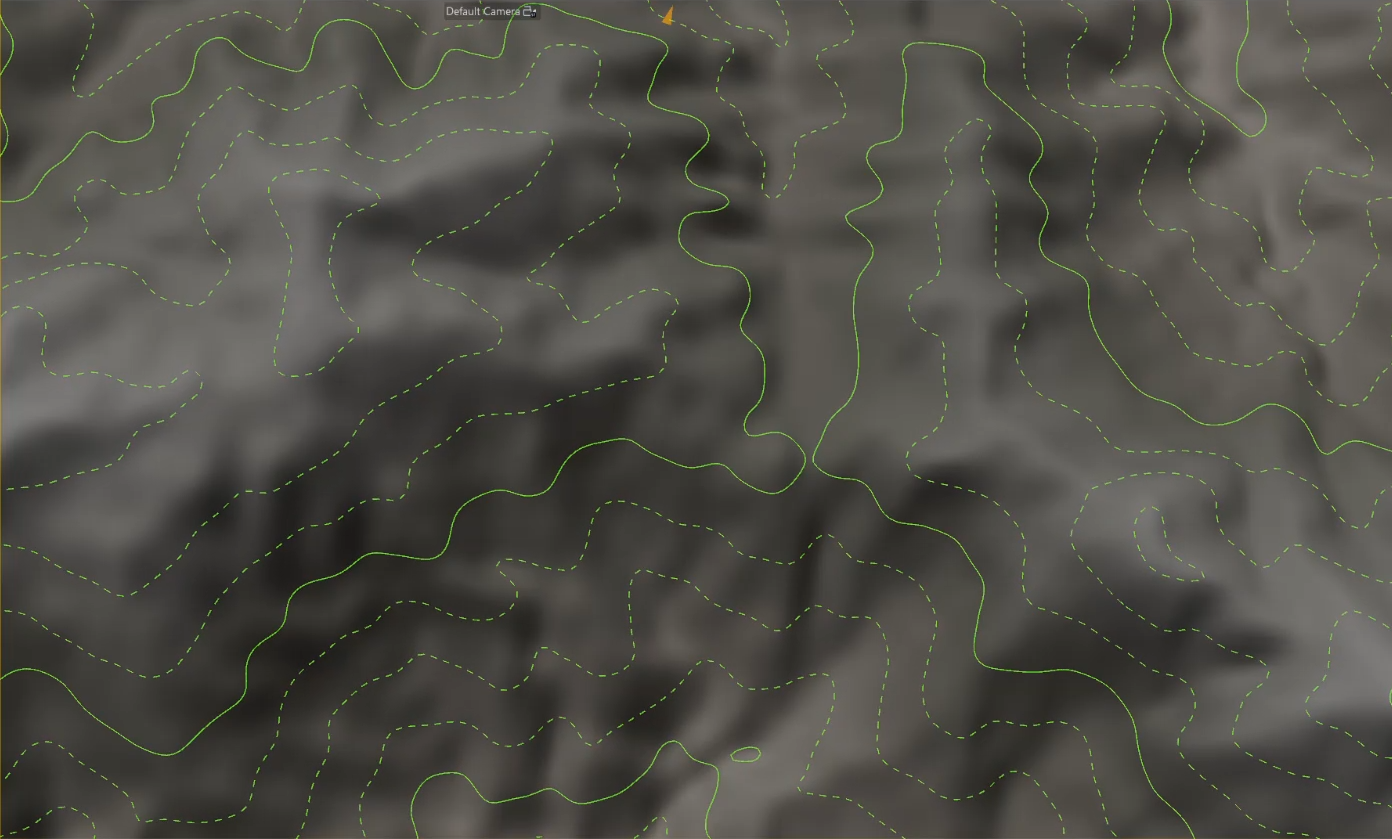
Contour lines can be generated with the Poly Object..
Trim processed first,Stipple last..
You can easily stipple anything.it works just like any other modifier.
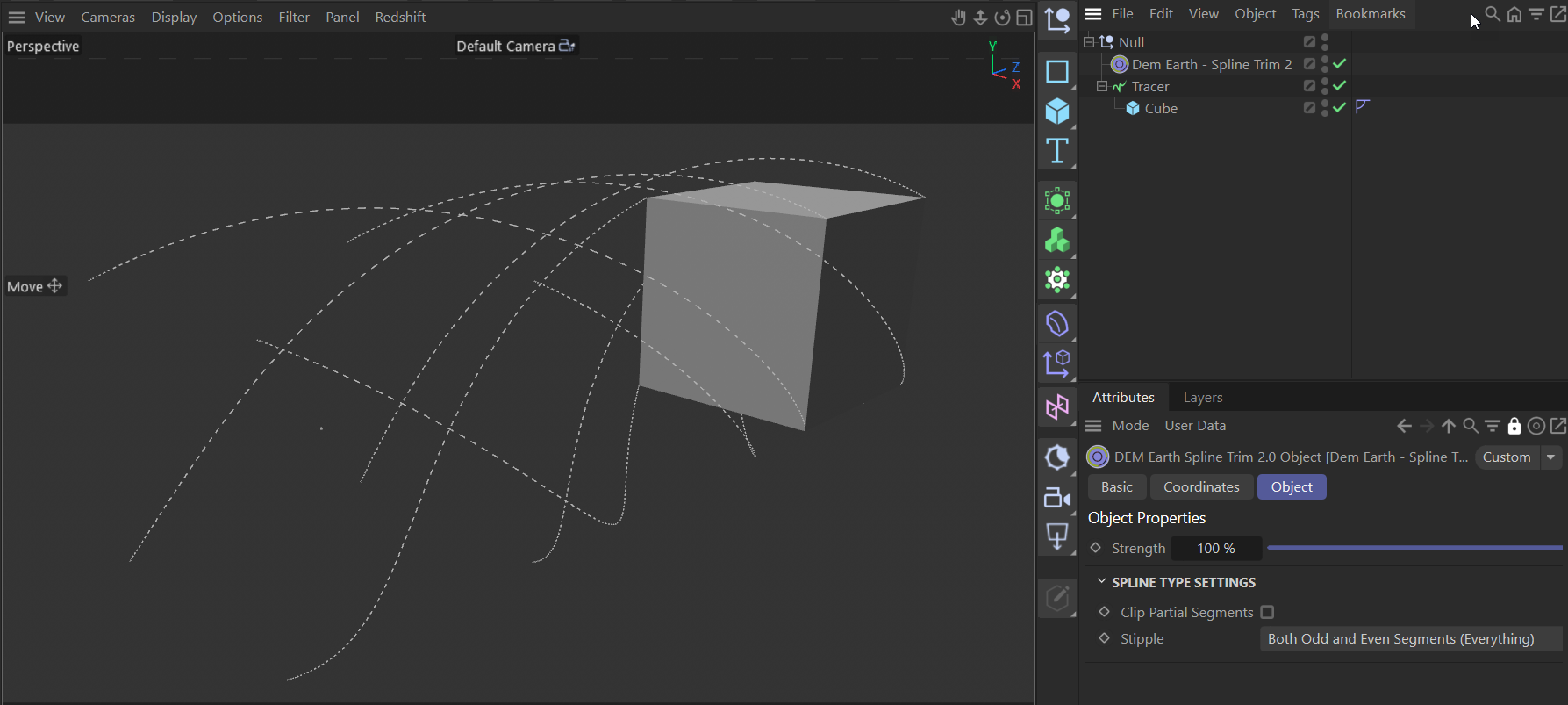
Setting Trim to 50% clips half of the segments. so you only see 4 segments instead of 8.