
Comes with DEM Earth 6.290 or greater
A deformer which Triangulates quads in smarter ways.
Why does it matter how you triangulate a mesh?
Because if you look at just one Quad, there are always 2 ways you can reduce it down to 2 triangles. But if you look at an entire mesh, it is not just one quad, there are near infinite ways to reduce a mesh from quads down to triangles, so why treat them all the same? Do the optimal job on each quad, per quad, for the best result, with less problems.
There are many good reasons to Triangulate a mesh. the most important one being control.
Reason 1.
All GPU render Engines (such as Redshift or Octane) convert everything to triangles. You have no control over how they do that. They do that as fast as they can, as simply as they can. That means all of your wonderful quads, and awesome Geometry, mean nothing to the render engine. All they can do is triangles. They take any quad and split it, the simple, fast way. This often produces shards, which you will see at render time if you are looking close enough.
Because these engines can only deal with triangles, they can not possibly calculate your quad derived UV's correctly with triangles. This is the achilles heal of popular GPU based renderer engines. The result is inexplicable artifacts. from shards and poor/wrong UV's. If you are looking for perfection, you can not have it with triangles.
This triangulation deformer was made to help mitigate the fundamental issue with GPU rendering. Triangles.
If the render engine gives you no control over how your mesh is triangulated, you need a tool that does it for you. A deformer that triangulates any mesh optimally. So that it produces the least shards and with that help to reduce UV distortion.
To calculate the UV of a triangle, barycentric coordinates are used. You can not calculate perfect UV from a quad, if you have already split it into 2 separate triangles. It is impossible. The 4th uv coordinate has been removed. Engine devs bend over backwards working around this. The best we can do is try to make the most of what we have. If you triangulate yourself, then the render engine does not have to do it for you. You can mitigate the problem before it happens. AKA dodge the bullet. UV's are still all bad, but at least you reduced your shards and you decided how to triangulate. That matters when you render.
If you use this triangulator in Area Similarity mode, it will help to avoid some of the inexplicable render artifacts you see. It does this by pre splitting your quads into sensible triangles, so that the render engine does not have to take care of this. You decide how best to triangulate your mesh, not the render engine.
Area similarity helps to avoid shards. The UV issues do not go away. But by carefully triangulating, and ensuring that the best choice is made per quad, there are less sharded triangles at render time, and you largely dodge that bullet before it arrives.
Reason 2:
Subdivisions. You will get a completely different structure out of a subdivider depending on how you have pre triangulated it. That goes for the Subdivision generator, deformerer, and at render time with with tesselation. That gives you control that you don't otherwise have. Again, use Area similarity mode to help you avoid shards, before subdividing.
Reason 3:
Anything that will triangulate, can be done better if you pre-triangulate and dodge problems before they happen If a mesh is not already triangulated, they will triangulate it for you. Not in a smart way, but in the simplest and quickest way. Whenever c4d triangulates anything, i.e. for physics, for reduction, or remeshing, it will always do a super simple triangulation, no questions asked. There is no attempt anywhere, to do this smarter.
The triangulate 2.0 Deformer gives you the ability to take control of that triangulation stage yourself. It gives you full control. You can use it with any combination of onboard tools, including node based deformers. i.e. with selection modifiers. It will use the default selection.
Rule of thumb : if your objects are going to be triangulated by any onboard tool, use this deformer instead. Take back control.
Settings.
Mode
- None.
- Simple.
- Opposite.
- Alternate.
- Least Normal deviation.
- Area Similarity.
- Height Height Delta.
Invert
Inverts whatever the mode is doing.
Pre-Hide Old Edges
Hides old edges, after triangulating. New edges are visible.
Pre-Hide New Edges
Hides all edges, after triangulating. New edges are Hidden.
About modes..
None : does nothing. Same as turning on/off the deformer. However, you can set it to pre hide edges.
Simple: triangulates the standard c4d way. C4d has a nodes based deformer that will also do this. But it is much slower than this c++ based deformer.
Opposite: triangulates the exact opposite way of standard triangulation. Same as if you enable Invert.
Alternate : Splits each quad in an alternating pattern. Inverting this , switches the starting method. so it will start at poly 0 and alternate the triangulation starting as either simple, or opposite.
Least Normal Deviation : Split each quad (Simple or opposite) which produces 2 triangles with the least Normal deviation.
Area Similarity : Split each quad (Simple or opposite) which produces 2 triangles which have most the similar area.
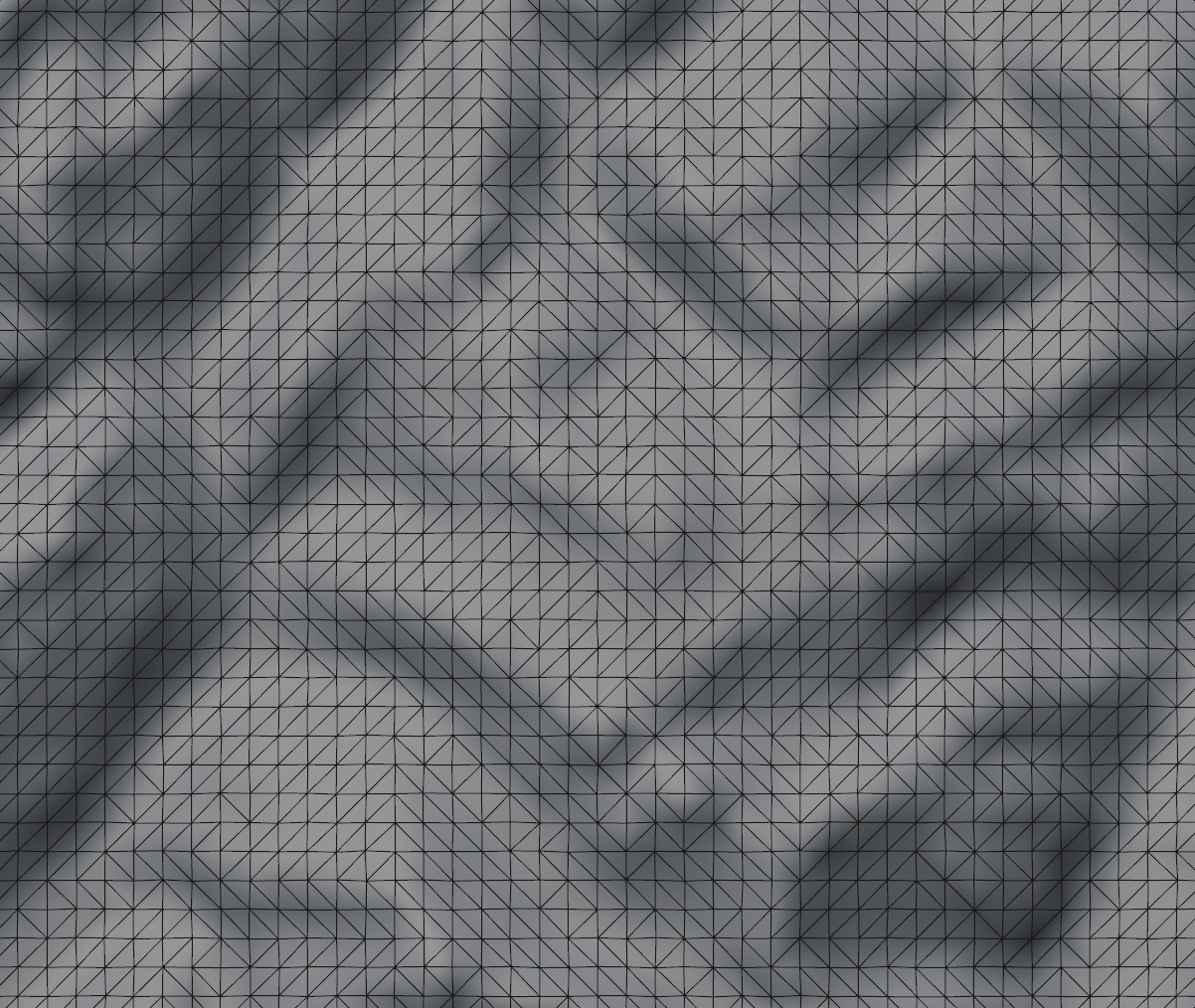
Edge Height: Split each quad (Simple or opposite) which produces 2 triangles where there 2 points of split edge has the least height delta in Y axis.
Simple
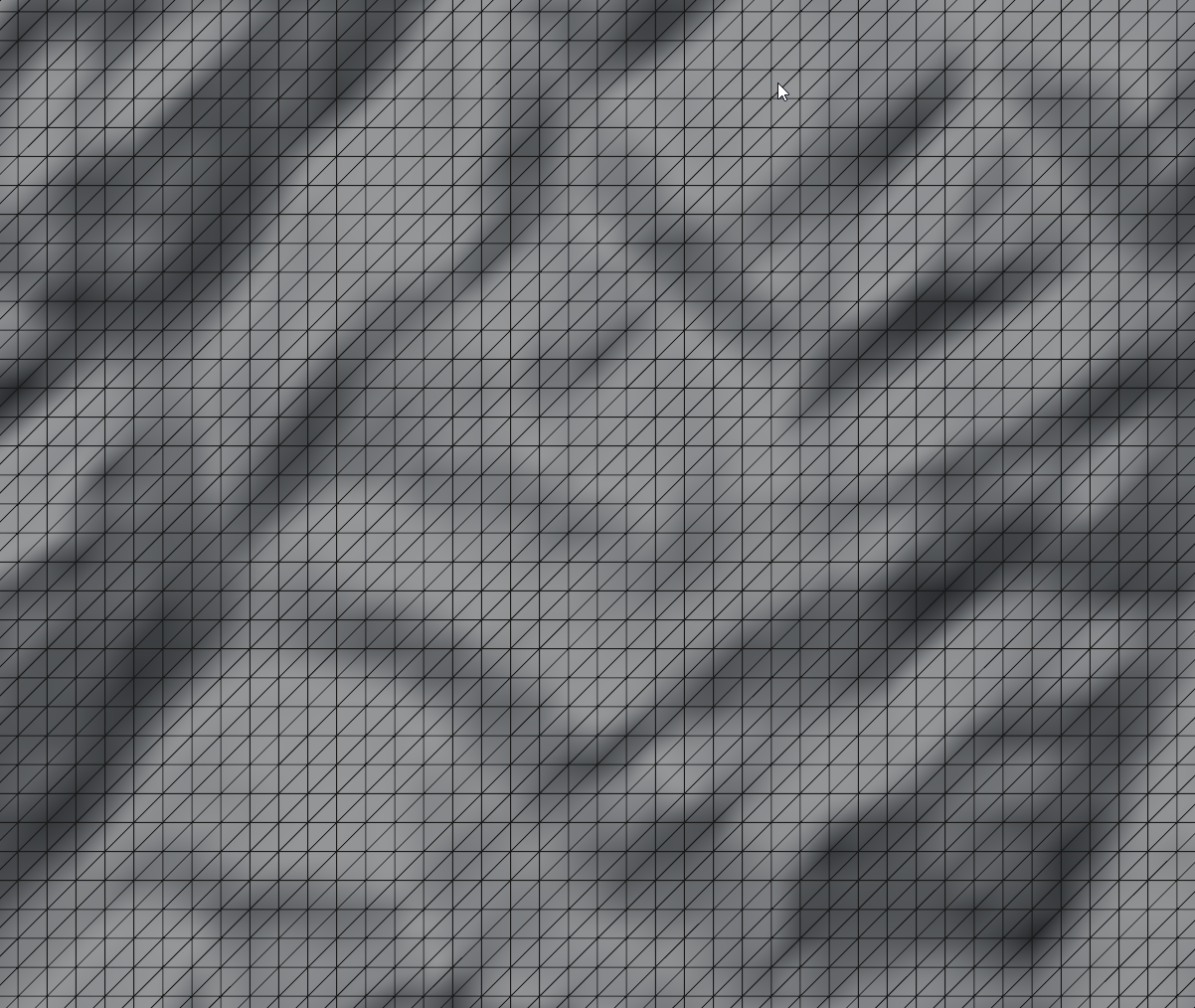
Opposite
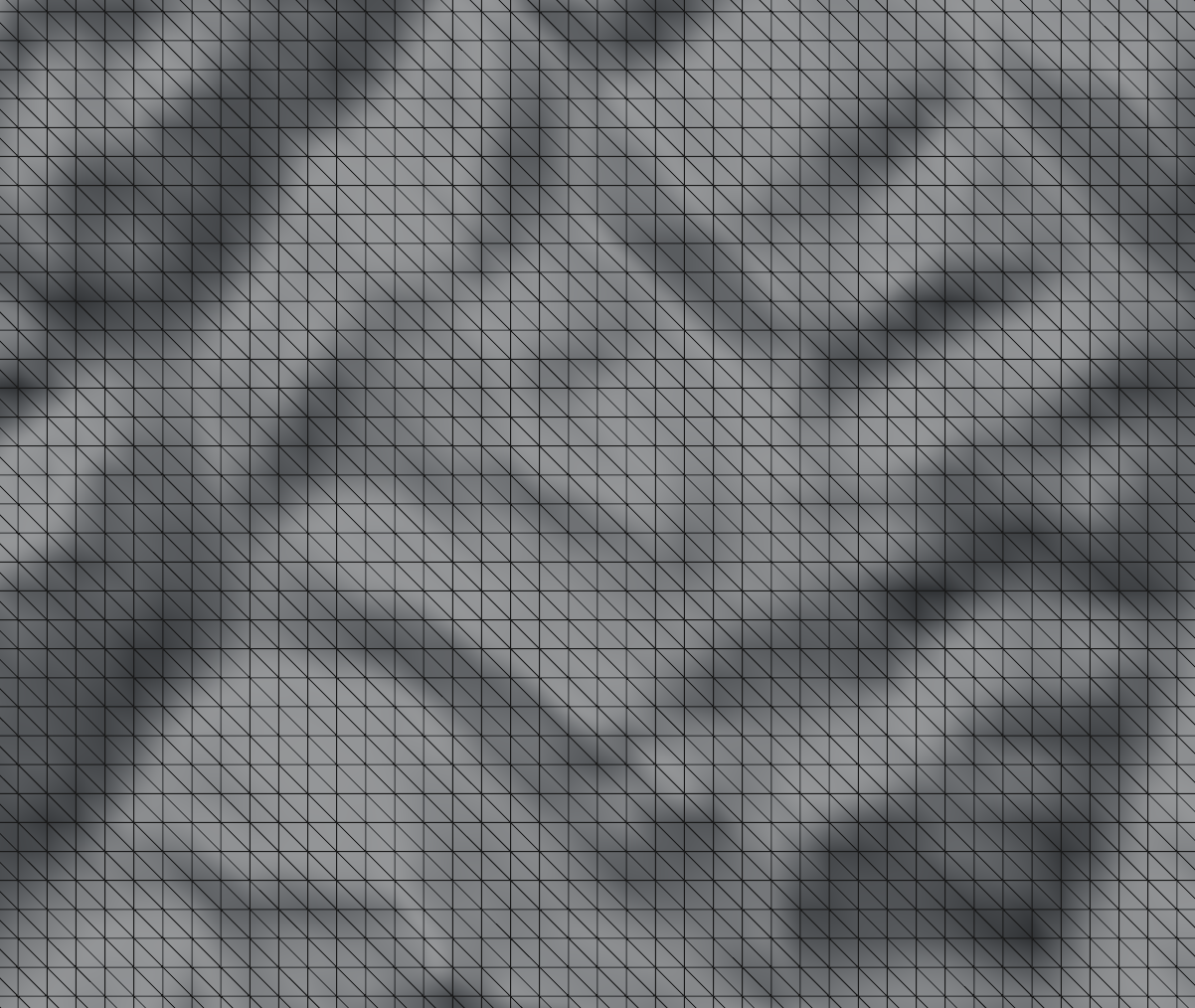
Alternate
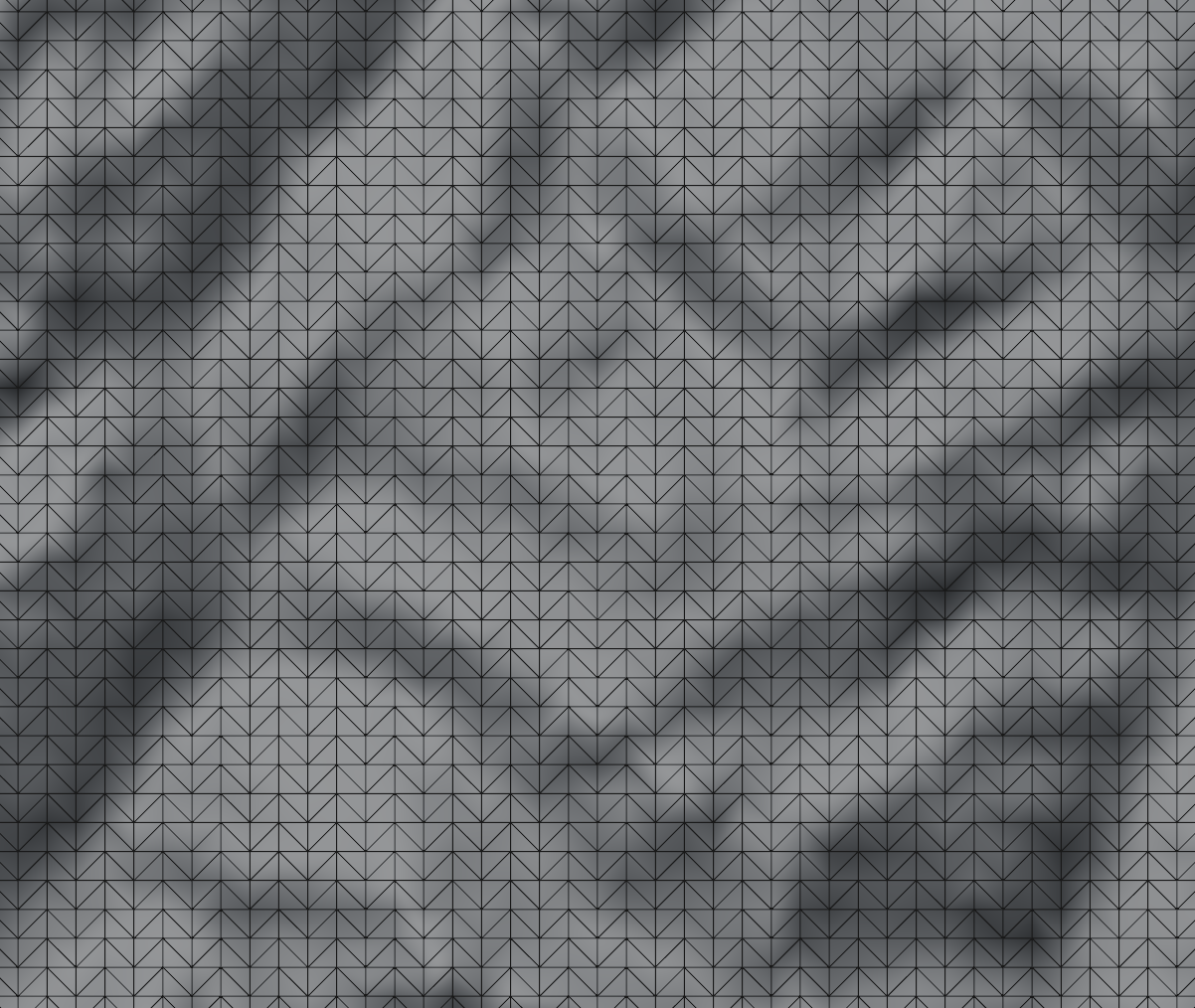
Least Normal Deviation
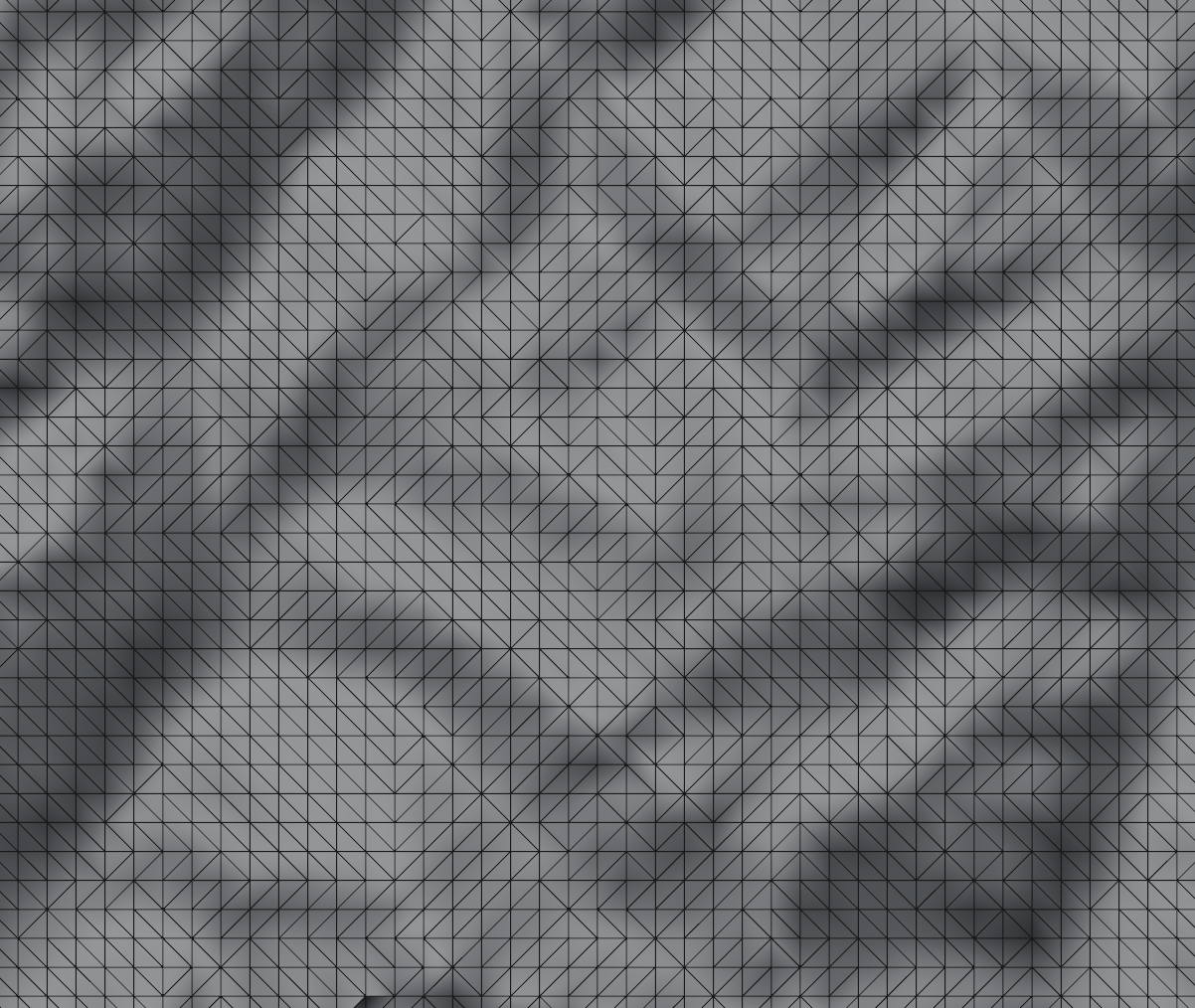
Area similarity
This mode is useful when you have irregular quads. DEM Earth has a setting to make your mesh imperfect. this adds a small offset to each point.If you use that,it becomes clearer what area similarity does. It will pick the 2 triangles, from the quad, which are most similar to each other. this can avoid producing shards. Where a simple split produces one large triangle and one very small one (in terms of there area)
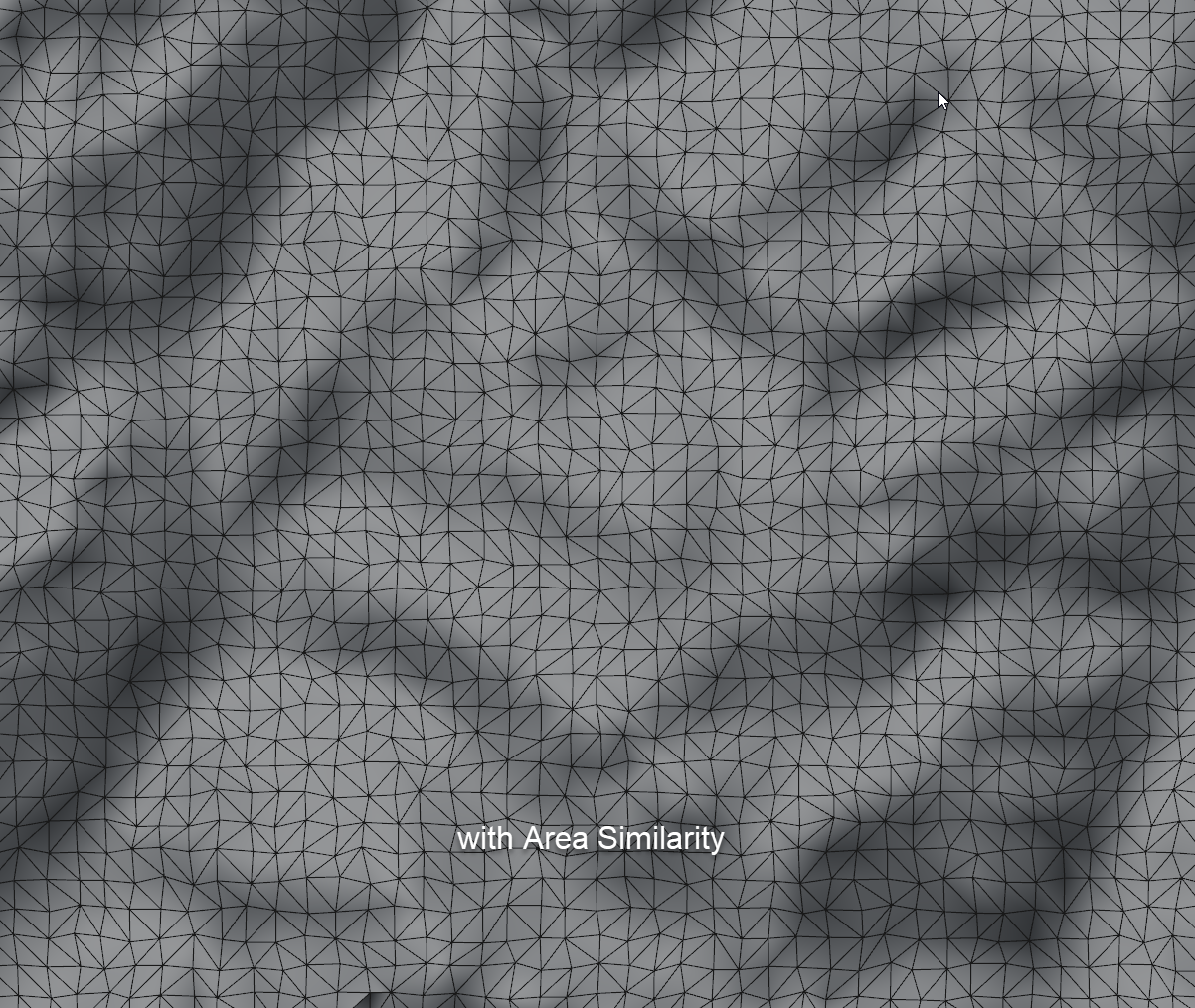
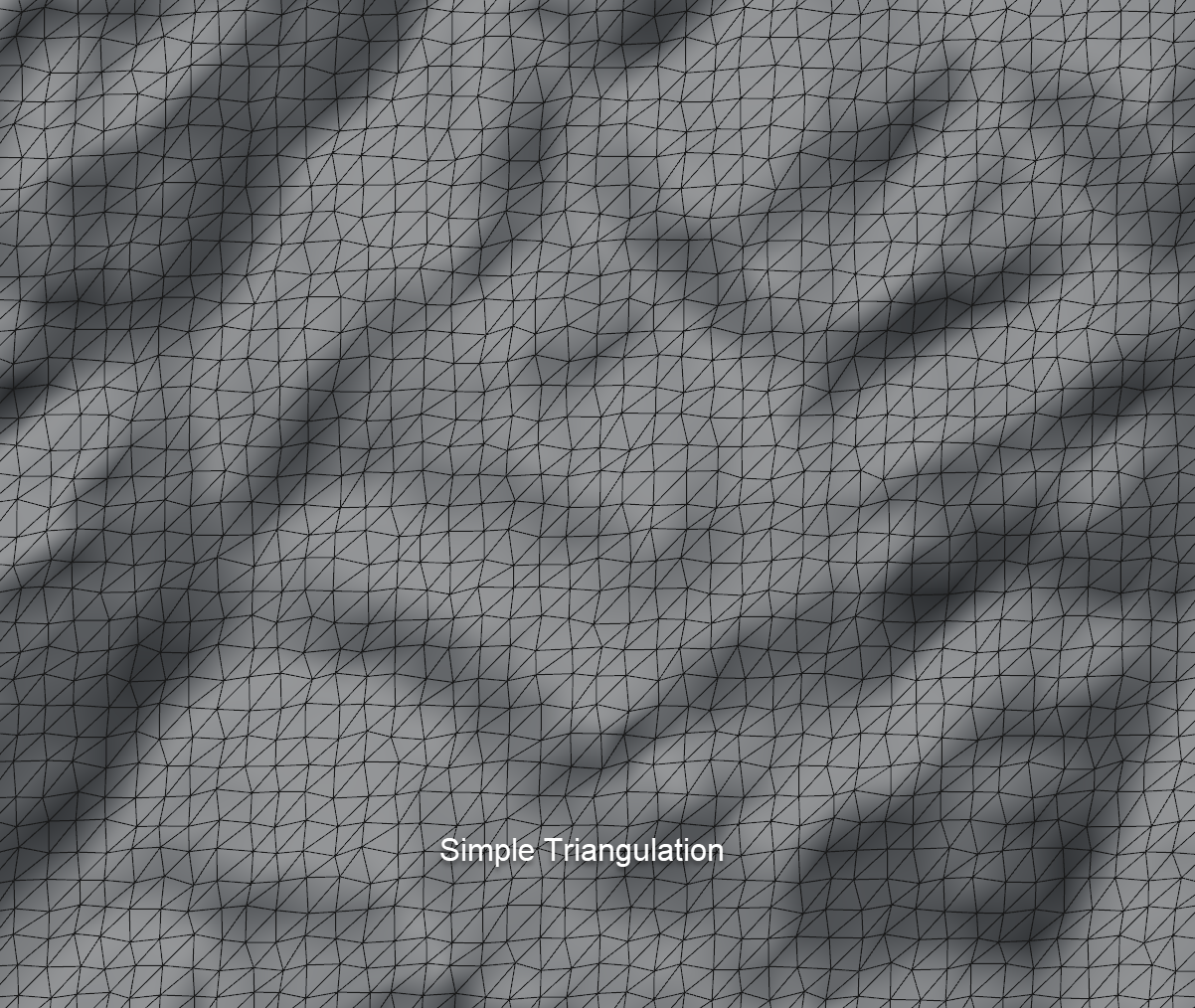 Splitting by area similarity, produces less shards (those long thin triangles you can get if you do a simple quad triangulation). Similarity mode produces a more uniform set of triangles.
Edge Height Delta
TIP:
if you know your mesh is going to be triangulated, as is the case with any GPU renderer and any kind of simulation for the purpose of collision or optimisation, triangulate it yourself. It is the only way you have to control how that happens.
Note:
you can use Triangulator 2 with any c4d Polygon based object. It is not limited for use with DEM Earth. It is a general purpose Geometry deformer.