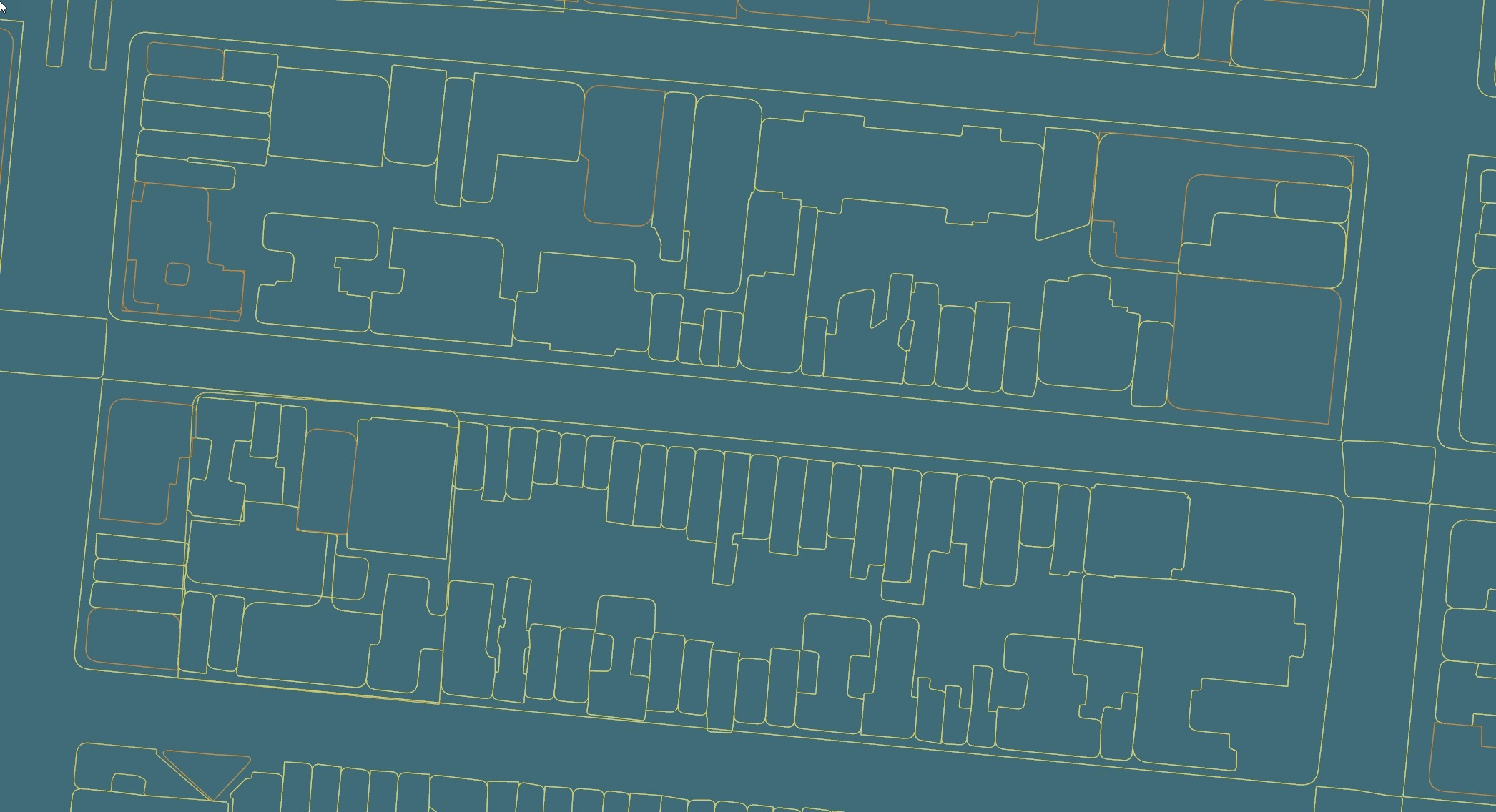
Applicable to version 6.202 or greater.
DEM Earth - Smart OSM 2.0 Object
For R6.202 Smart OSM has been pretty much rewritten.
- It is now much faster, and uses much less memory.
- Clipping has been vastly improved and the Poly object can now use any spline, not just an admin border.
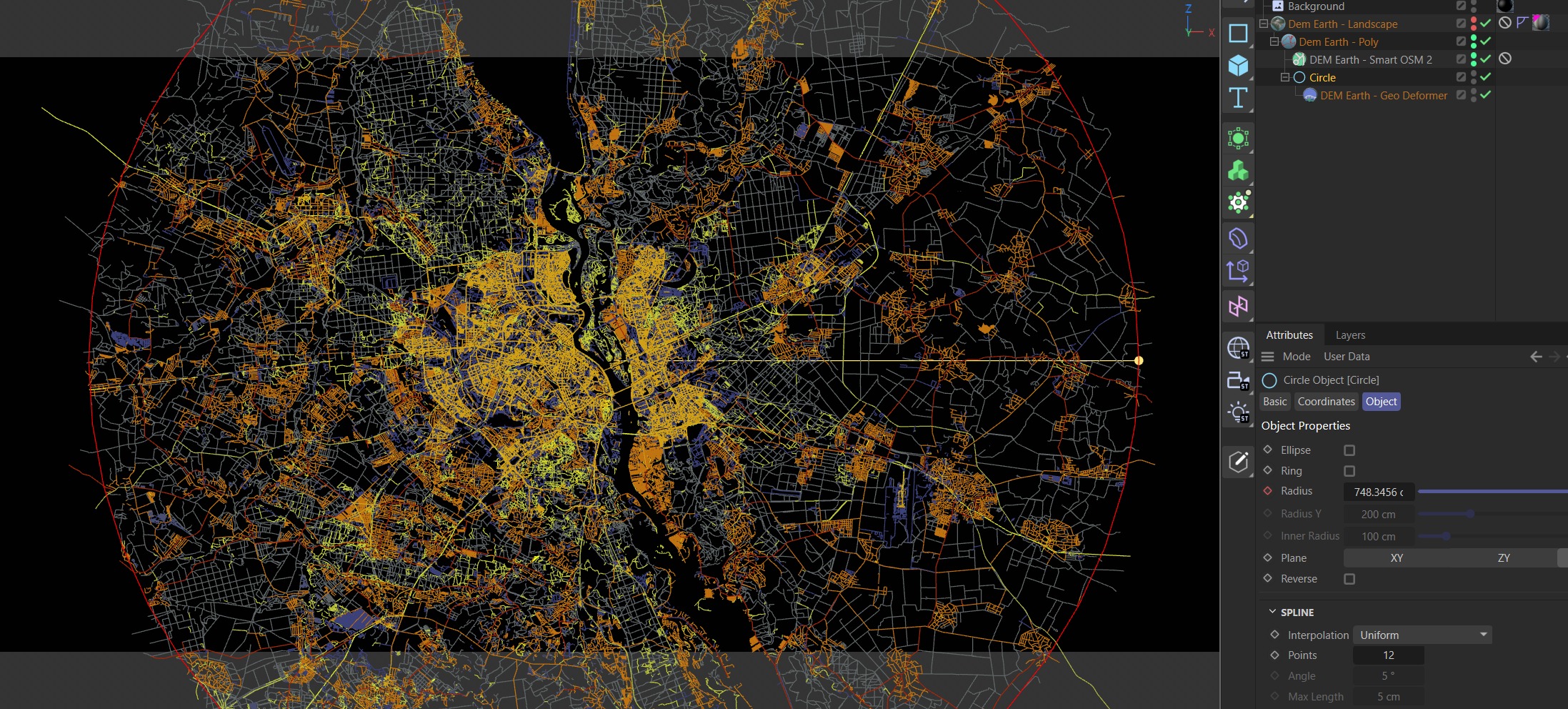
OpenStreetMap requests are now split into multiple chunks and send to multiple servers. The reduces the load per server and makes it easier to request larger areas. There are still practical limitations on the amount of data you can request, but now you can request much more than ever before and you don't have to wait for servers to respond as this all runs in the background. When your request has been processed, it will automatically update the Smart OSM object it was requested from.
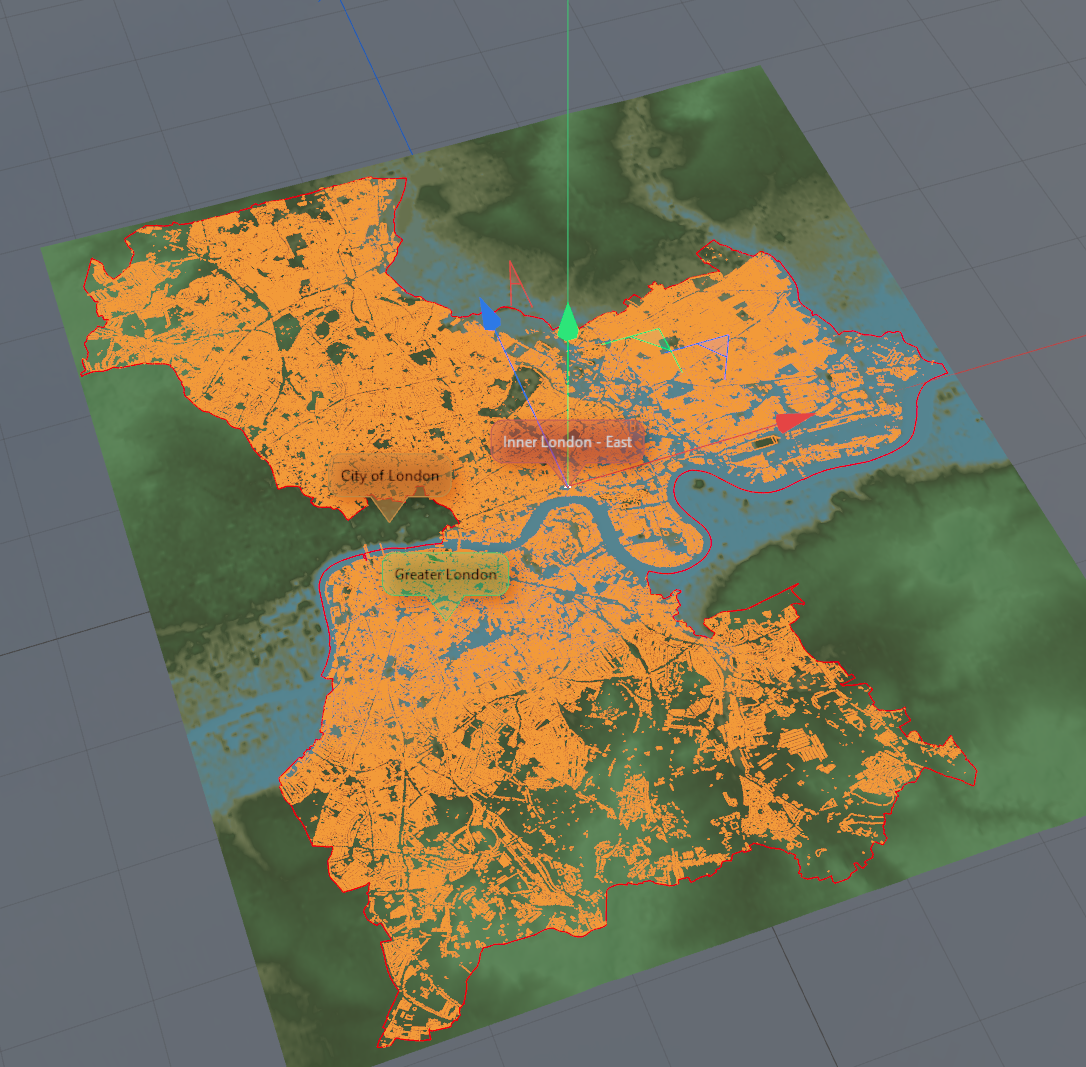
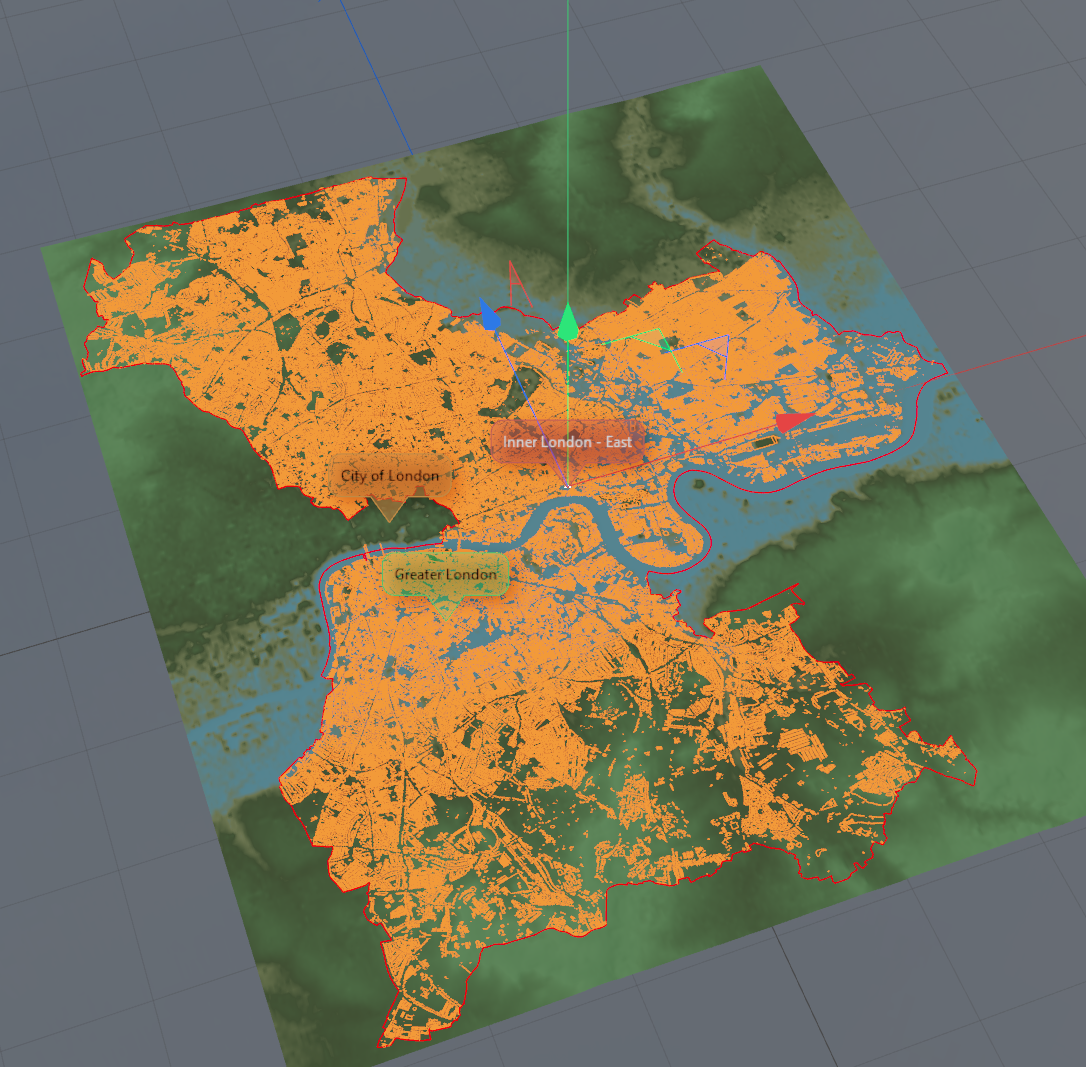
i.e. in the following area, the building query was split into 2 request and sent to 2 different servers. DEM Earth automatically merges the responses, as they arrive by using DEM Earth's built in Mental Merger. The Mental Merger connects any ways that can be connected, reducing the way count, cleaning up results, producing better results than ever before.
Properties
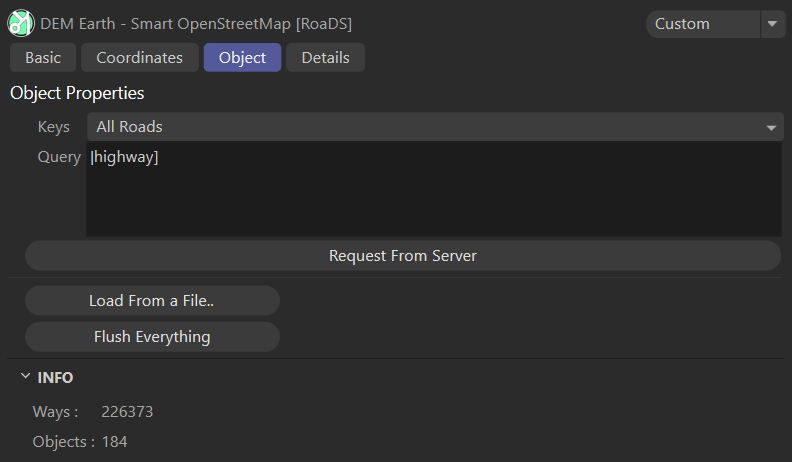
- keys : These are preset search names.
- Query : you can read all about query arguments here..
Details
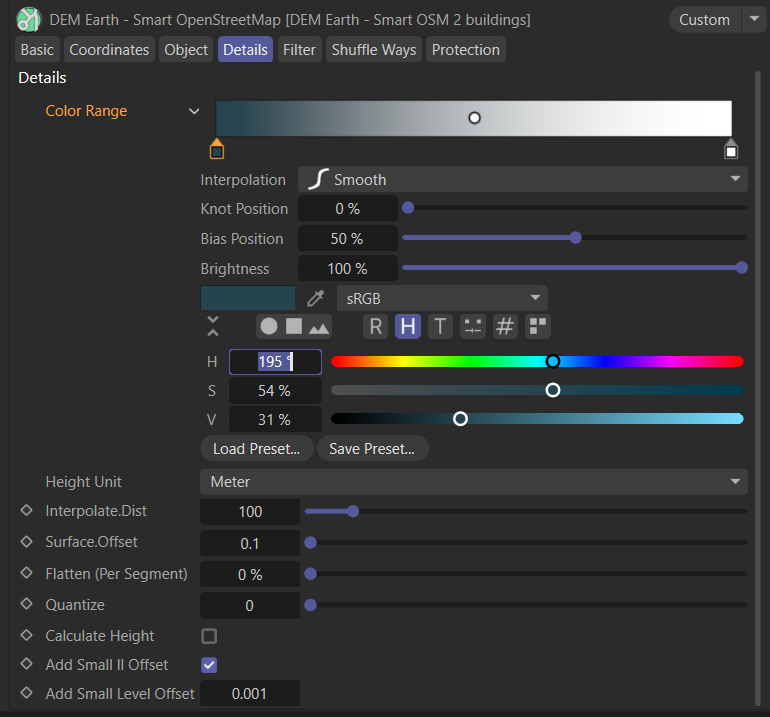
- Height Unit : this lets you define if all values are in meters or feet. You should leave it at meters, which is the common unit for Openstreetmap.
- Interpolation distance. if this is set to anything other than 1000, it will add points, to any way lines, that are longer than the unit length. i.e. if you set this to 10 meters, it will add enough points, to any line, so that the distance between points, is at least the interpolation distance. The Measurement is in real world distance, not simply cinema4d space, and uses haversine formula to measure distance.
- Surface Offset : is a distance in real world meters from the calculated surface height.
- Quantize : if not set to zero, this setting will round lon and lat coordinates, to the value you set. Try it. it was easy to do, is fun to have :)
- Calculate Height : you can flatten everything and speed things up by bot calculating height for every point. This is super fast, but still costly at scale, and if you don't need it, turning it of is a performance booster.
- Add Small LatLon Offset: This adds a small offset to help mitigate Z fighting. where planes and points maybe occupy the same space. This cost next no time to apply.
- Add Small Level Offset : adds a small random offset to each hight level to help mitigate vertical Z fighting where lines maybe occupy the same space. If you set this to zero, no layer offset is applied. The value is in meters. Best to leave it at a small value, this cost next no time to apply.
Filter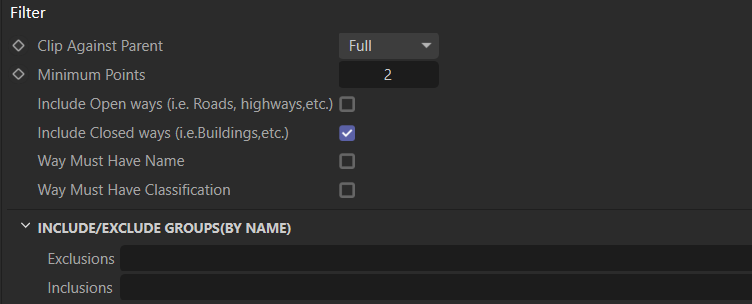
- Clip : Has 3 modes. Full or partial modes looks up in hierarchy for a parent Poly Object border, or the dem earth object area.
- Off = does not clip at all, and can be slightly faster as it has less to do.
- Full = All points of a way have to be inside the parent area be visible.
- Partial = If any point of a way is inside the parent area, the entire way is visible..
- Minimum Points : A Way must ha at least this many points to be visible.
- The include filter: Lets you punch in the name of one or more, comma separated regular expressions, which then exclude anything that does not fit that expression. i.e. if you want to see anything that contains the name street just type in *street, you can then add *lane, or the number *1 or 99. or you can type in an exact address, or road name if you want. try it :)
- Exclusions: If a way name contains this term, don't show it. i.e. "road" would hide any way which has the term "road" in its name.
- Inclusions: If you want to only show ways that have this term in them. i.e. "Road" if the way name contains the term road, it will be shown. Excluding everything else. use multiple terms, comma separated.. i.e. Road,Path.
Shuffle Ways
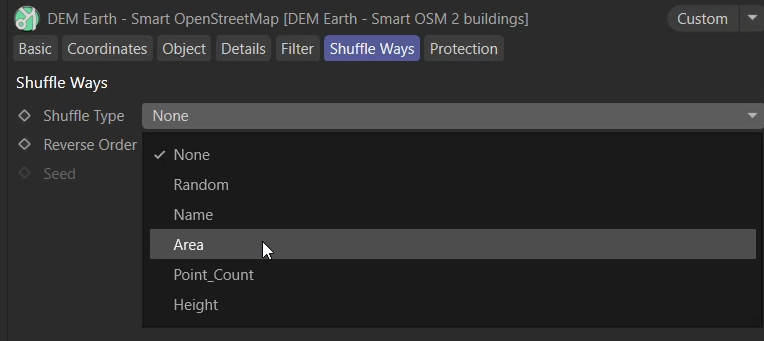
- Shuffle Type: if you want to animate the splines generated by Smart OSM, you might want to shuffle the order that they are built in.
- None : Does not shuffle the order.
- Random : Randomly shuffles the order based on the seed.
- Name : Ways are sorted by name hash.
- Area : Ways are sorted by area for closed ways, and length, for open splines.
- Point_Count : Ways are ordered by the number of points they contain.
- Height : Ways are ordered by height (if a height value is available).
- Reverse Order : reverse the shuffle sequence.
- Seed : for the Random shuffle mode.
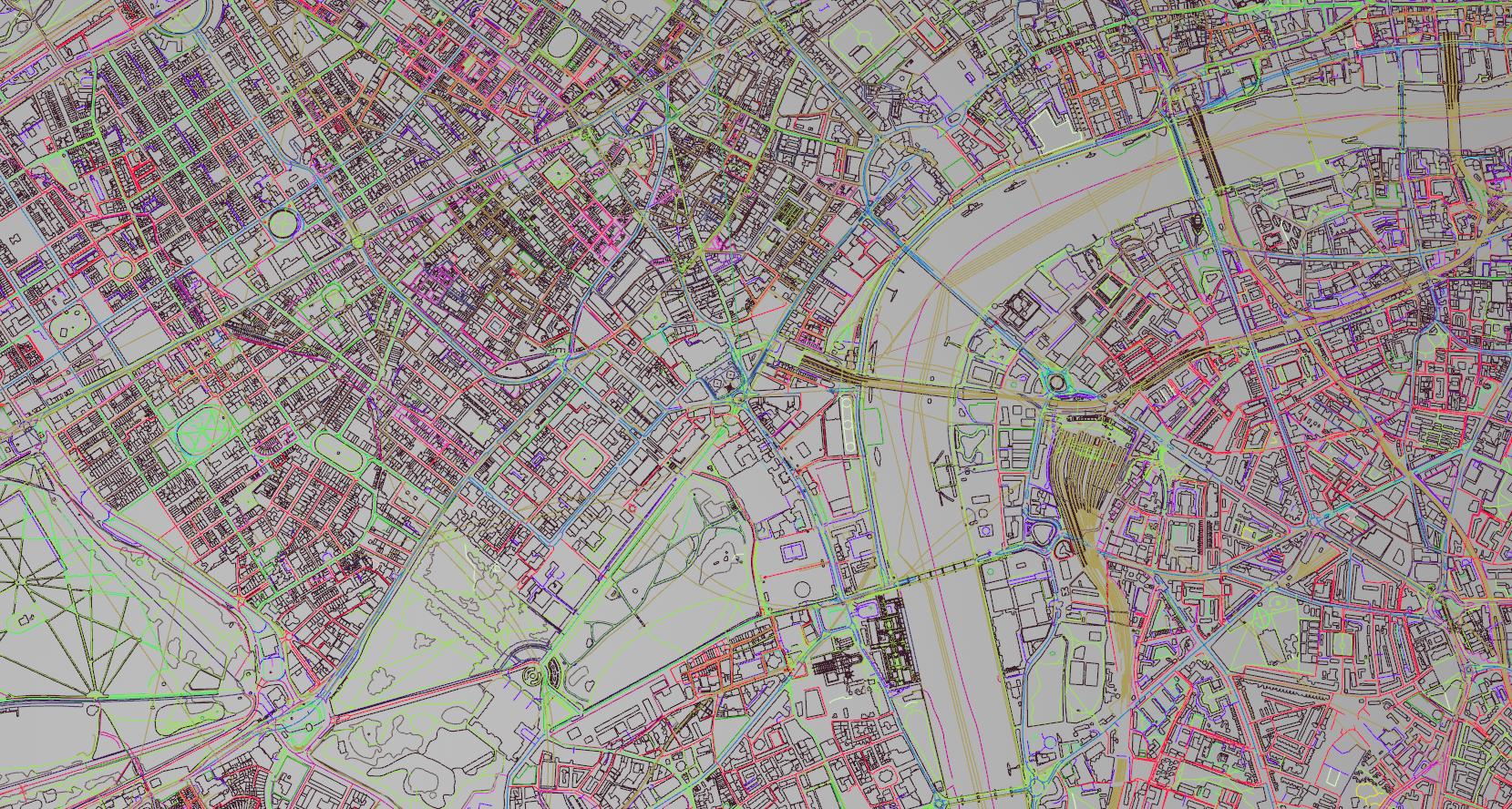
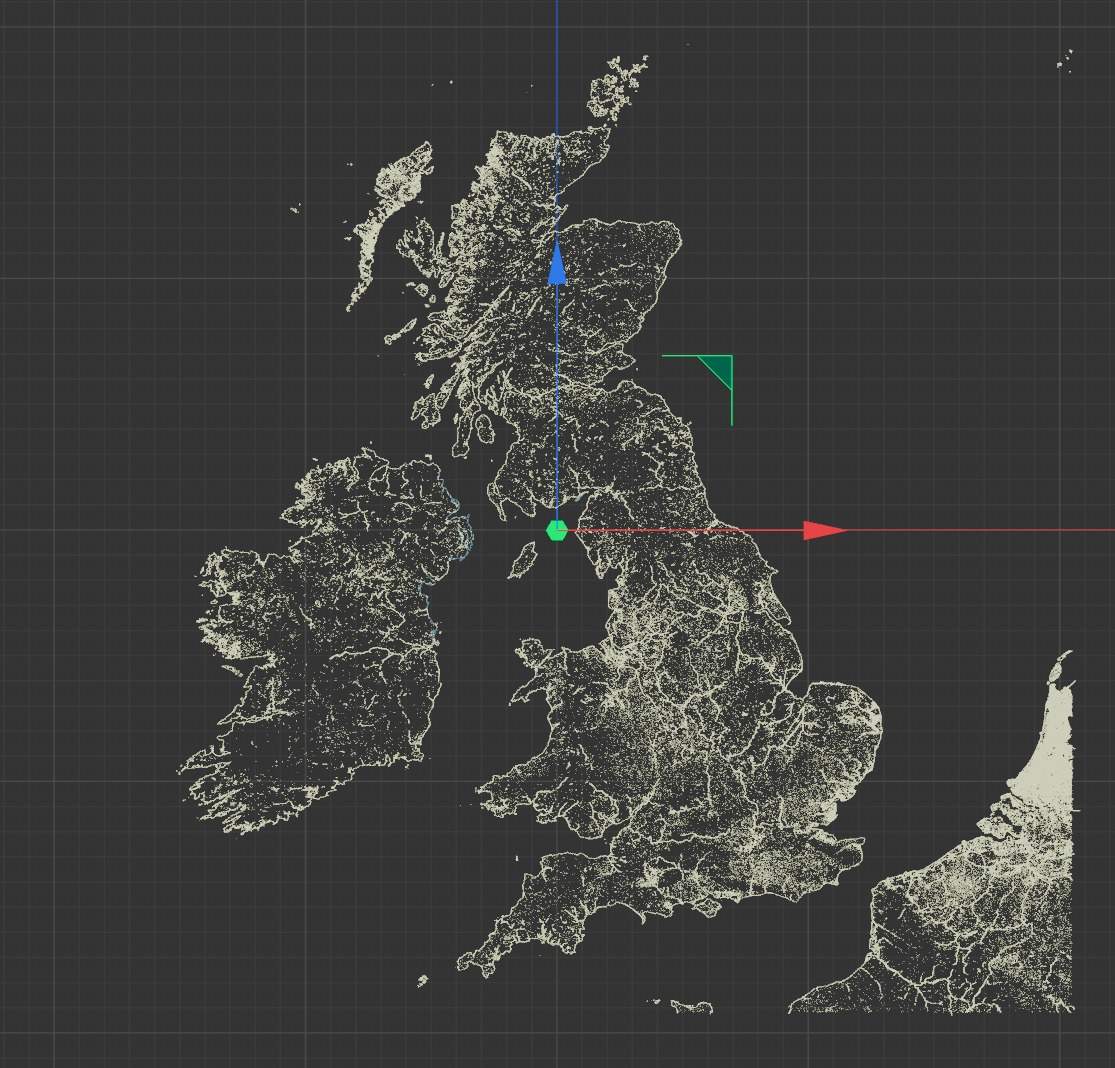

Use Smart OSM with Bevel 2.0 to bevel building outlines.