R6 or greater.
Deformer.
Smooths the outline of a Polygon Object.
Usage
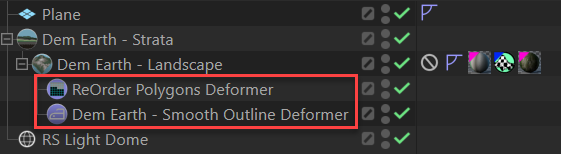
- It is a Polygon Object Deformer. You typically insert it under geometry.

Settings
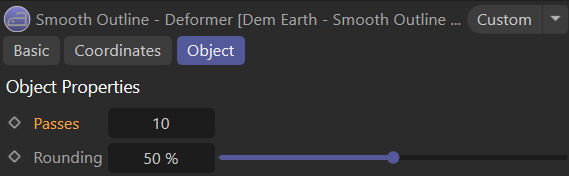
- Passes , is the number of times the algorithm repeats.
- Rounding adapts the rounding to the number of passes.
What does it do?
It can be used anywhere where you need to smooth the outline of a polygon object.
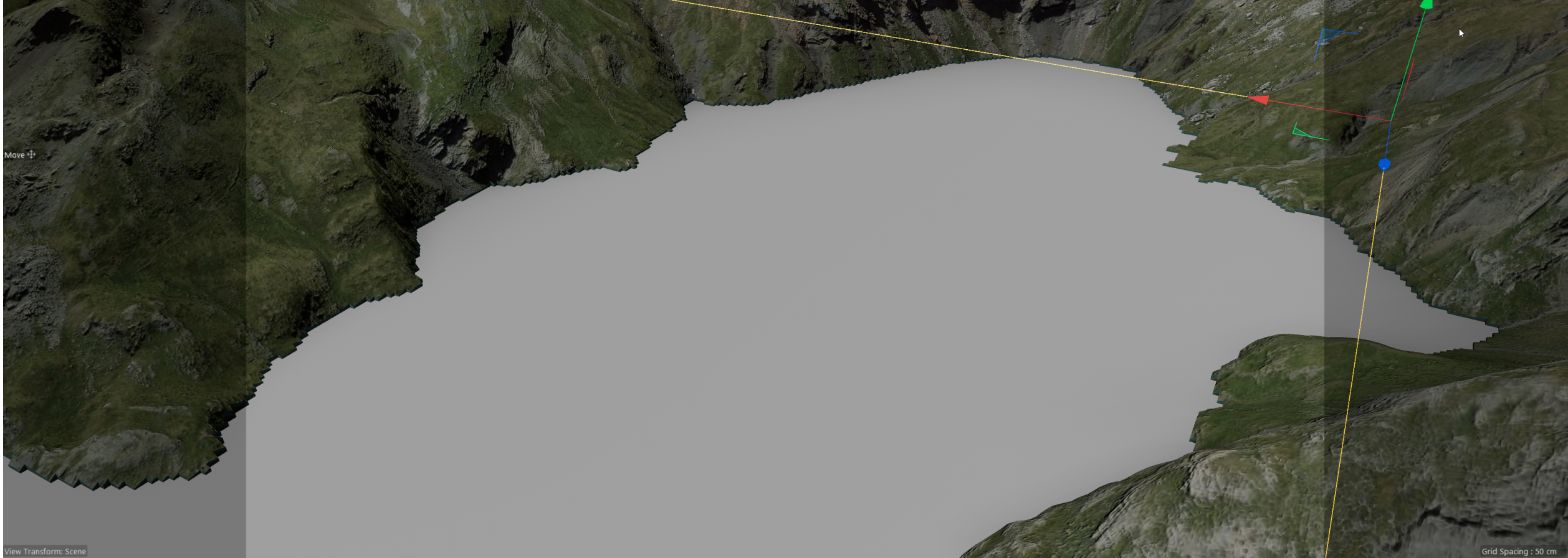
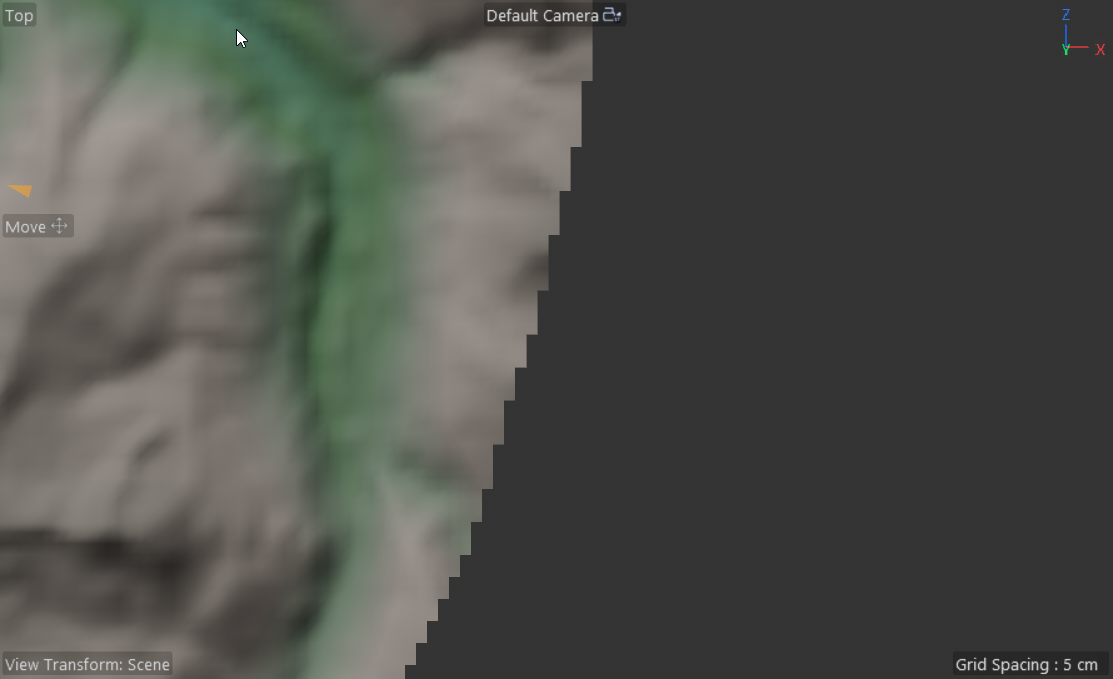
Without : if you have removed polygons (i.e. with ReOrder) you get those hard polygon corners, with inner and outer Polygons. We want to smooth that out quickly and efficiently. That is what this deformer does. Nothing more and nothing less.
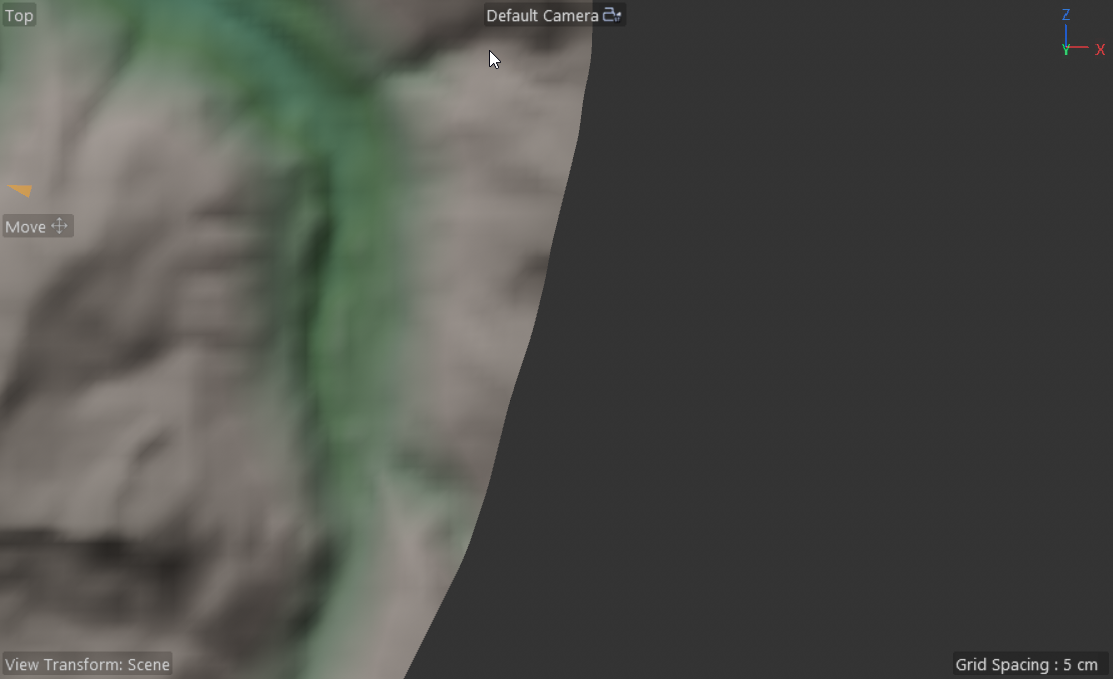
With
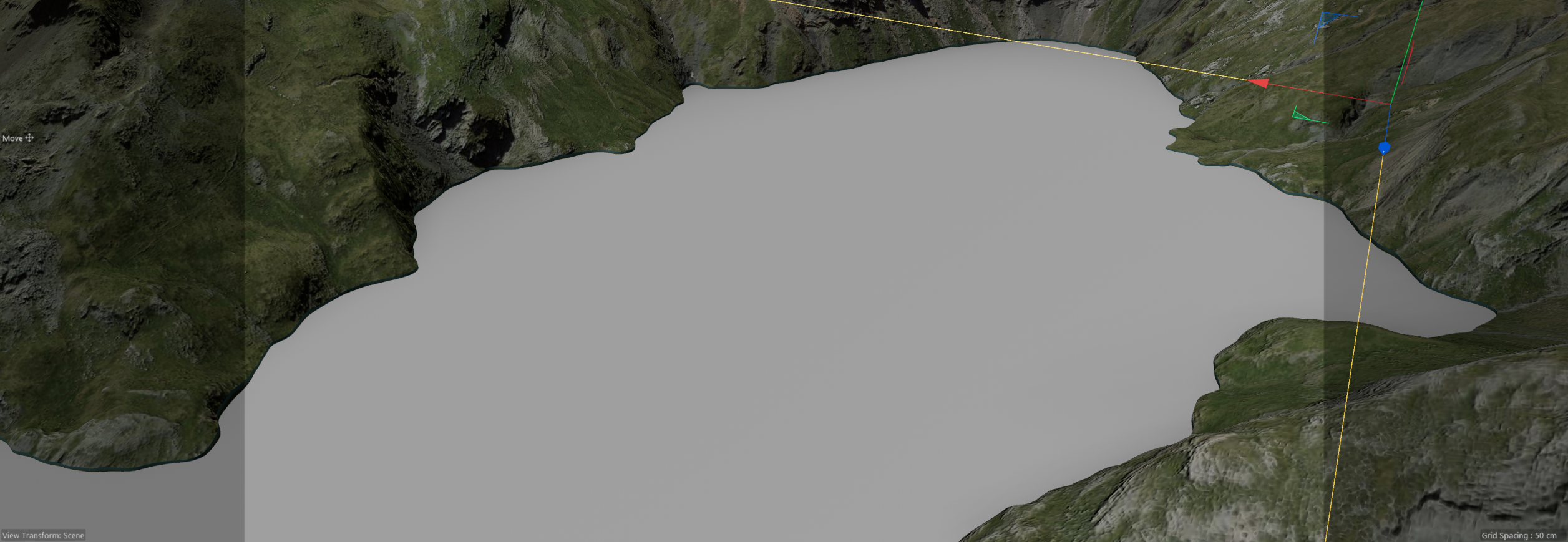
it gives you almost the same outer smoothing as subdividing an object using Catmull Clark, but without the editional polygons and without changing the inner mesh. It is fast, very efficient and super easy to use.
TIP : use this in combination with the ReOrder modifier..
i.e.
This is the reorder Modifier, in Pich mode. it is a great way to select polygons to place trees at.
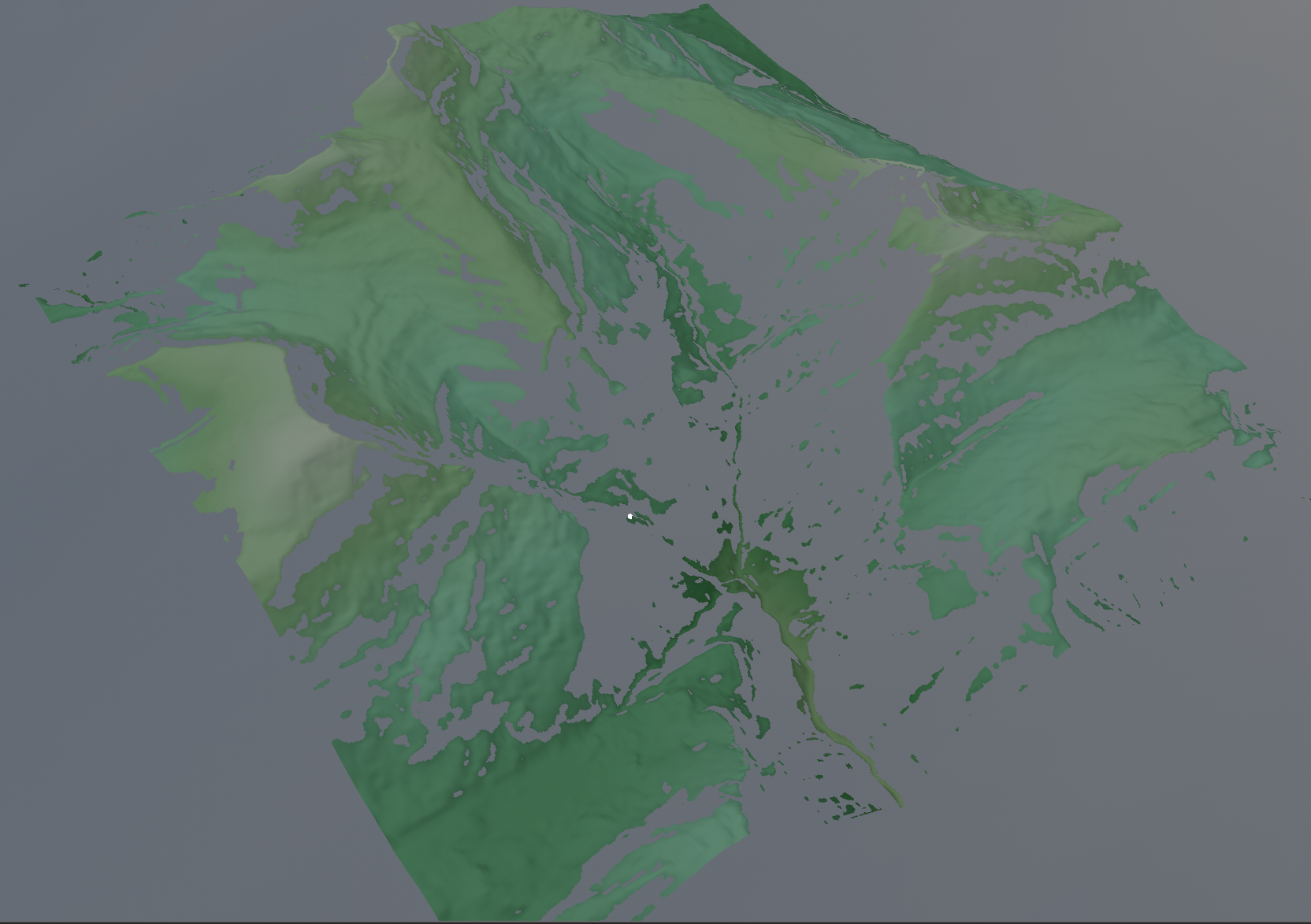
when you looks closely, you see that it has fully removed polys below a 50% of the pitch range.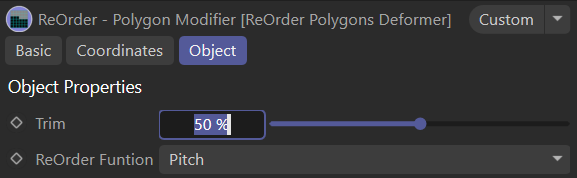
when look closer, you see the polys on the outline are then jaggy.
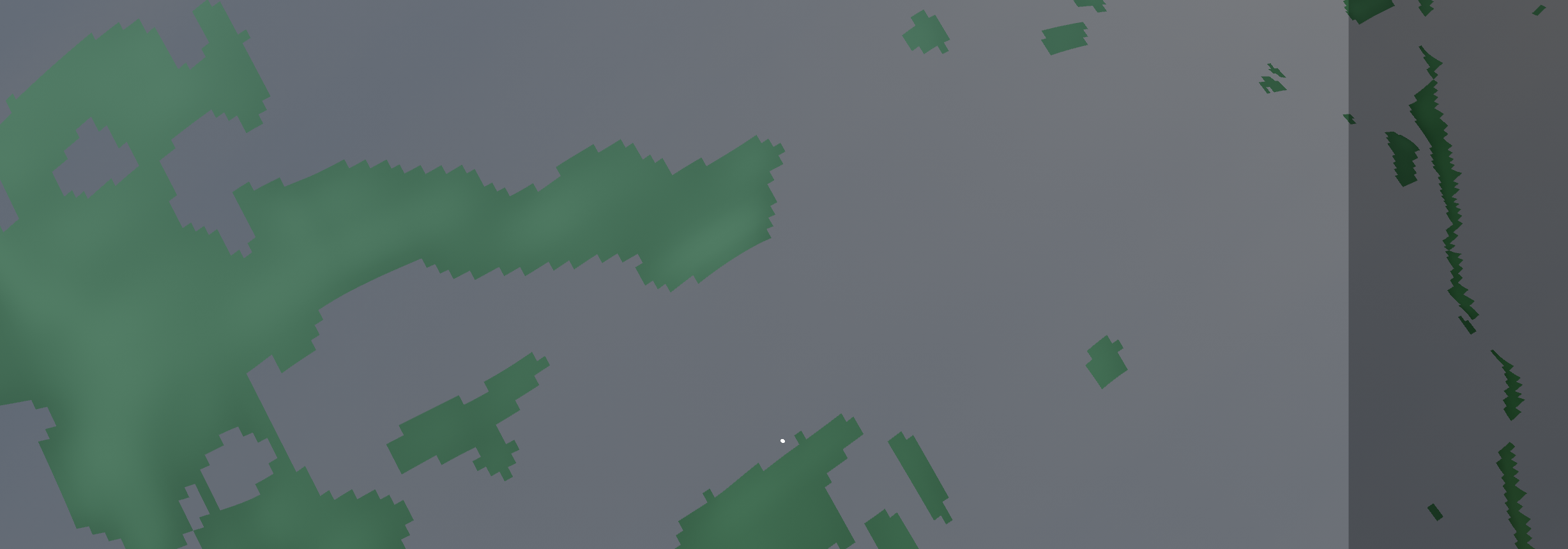
for a selection, this is no problem, but if you want to use that for something else, you would want to smooth that outline. That is exactly what the smooth outline deformer does. 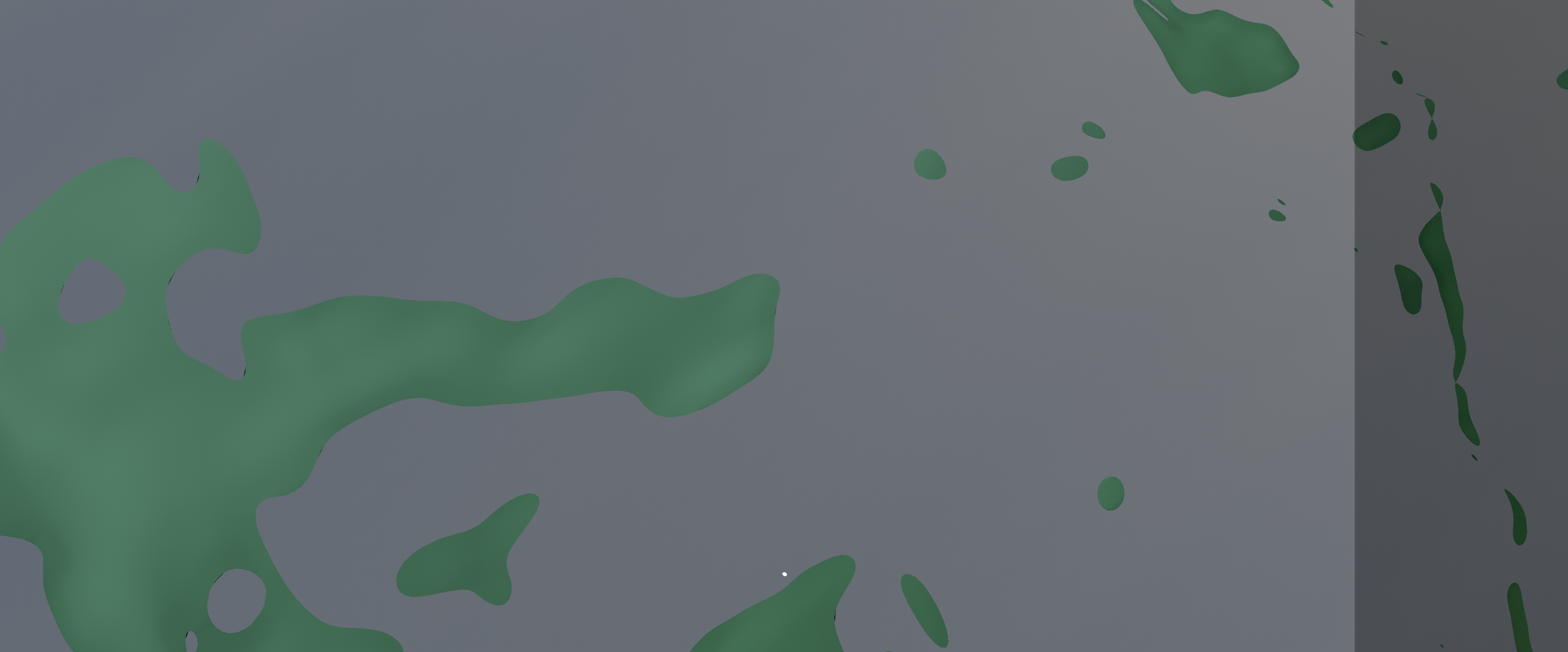
TIP : use in combination with the DEM Earth Edge Deformer. To ensure perfect Geometry. It will split any quads where a point smoothing creates a degenerated quad.
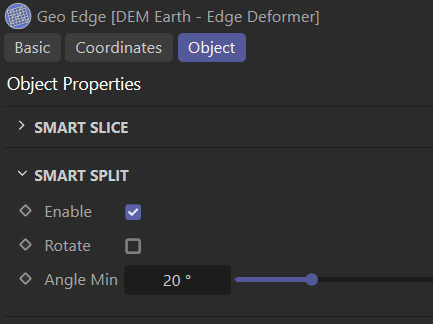
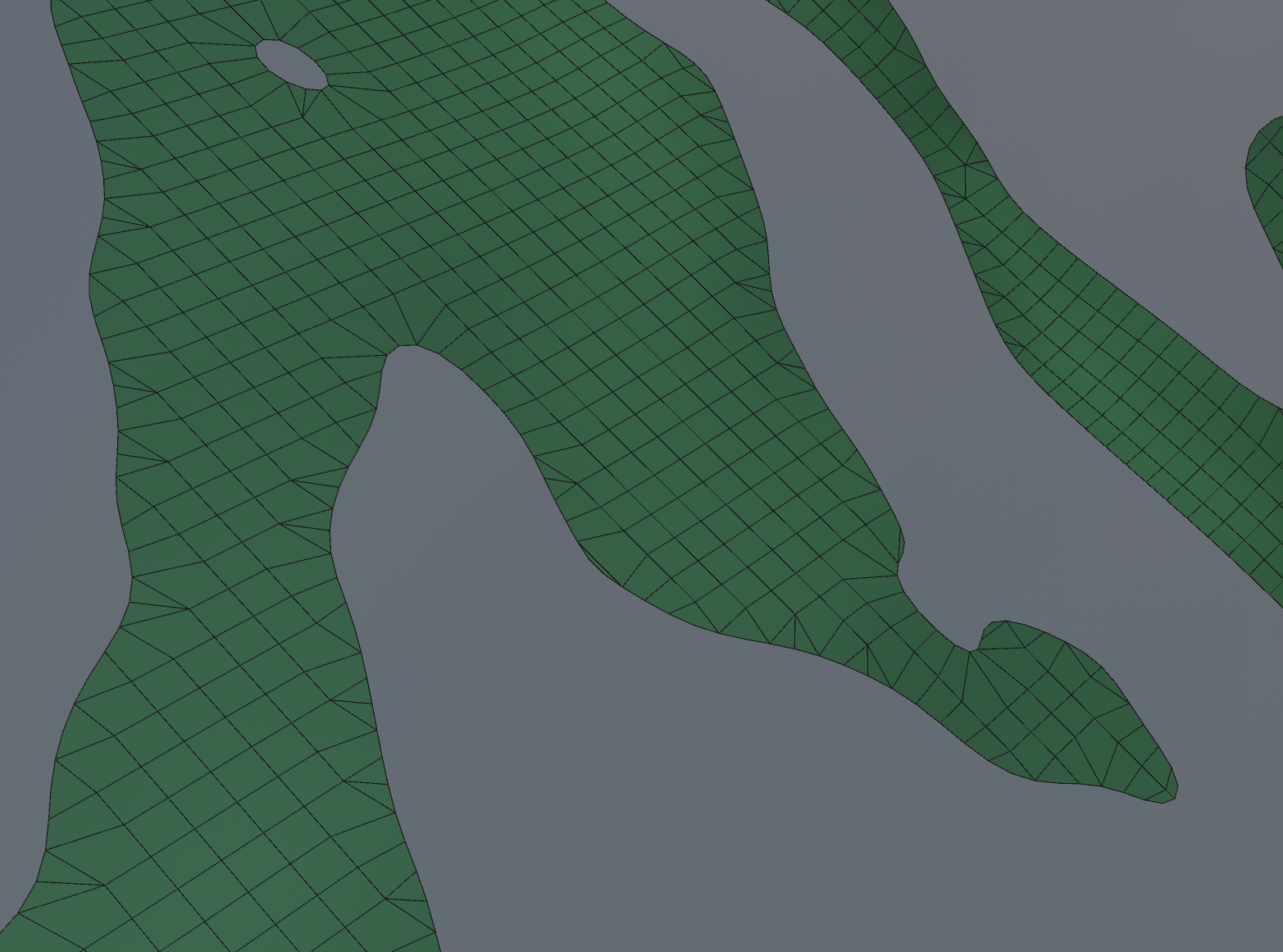
TIP: this is great for filtering out water areas.
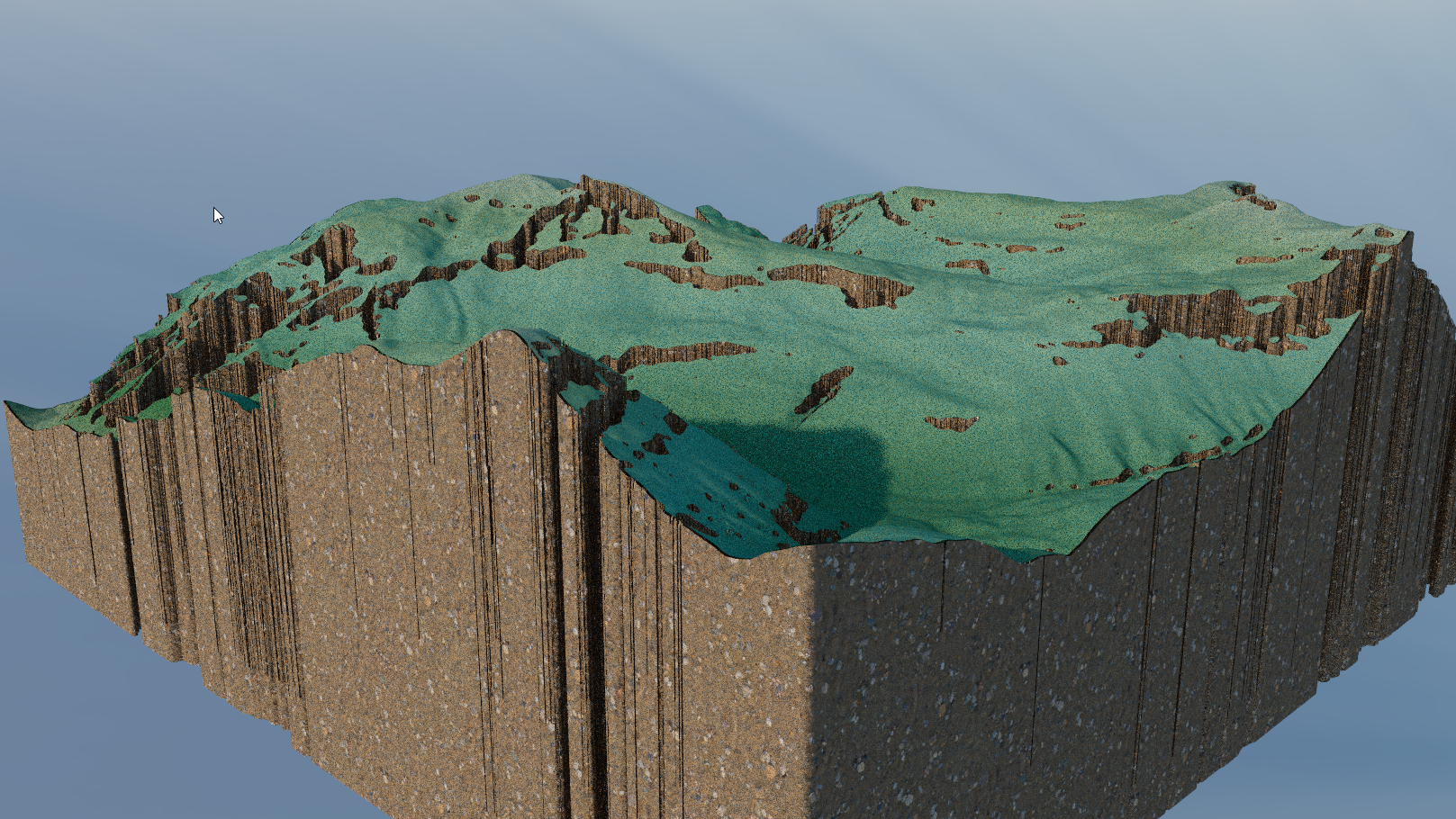
TIP: Try it with with the DEM Earth strata object :)