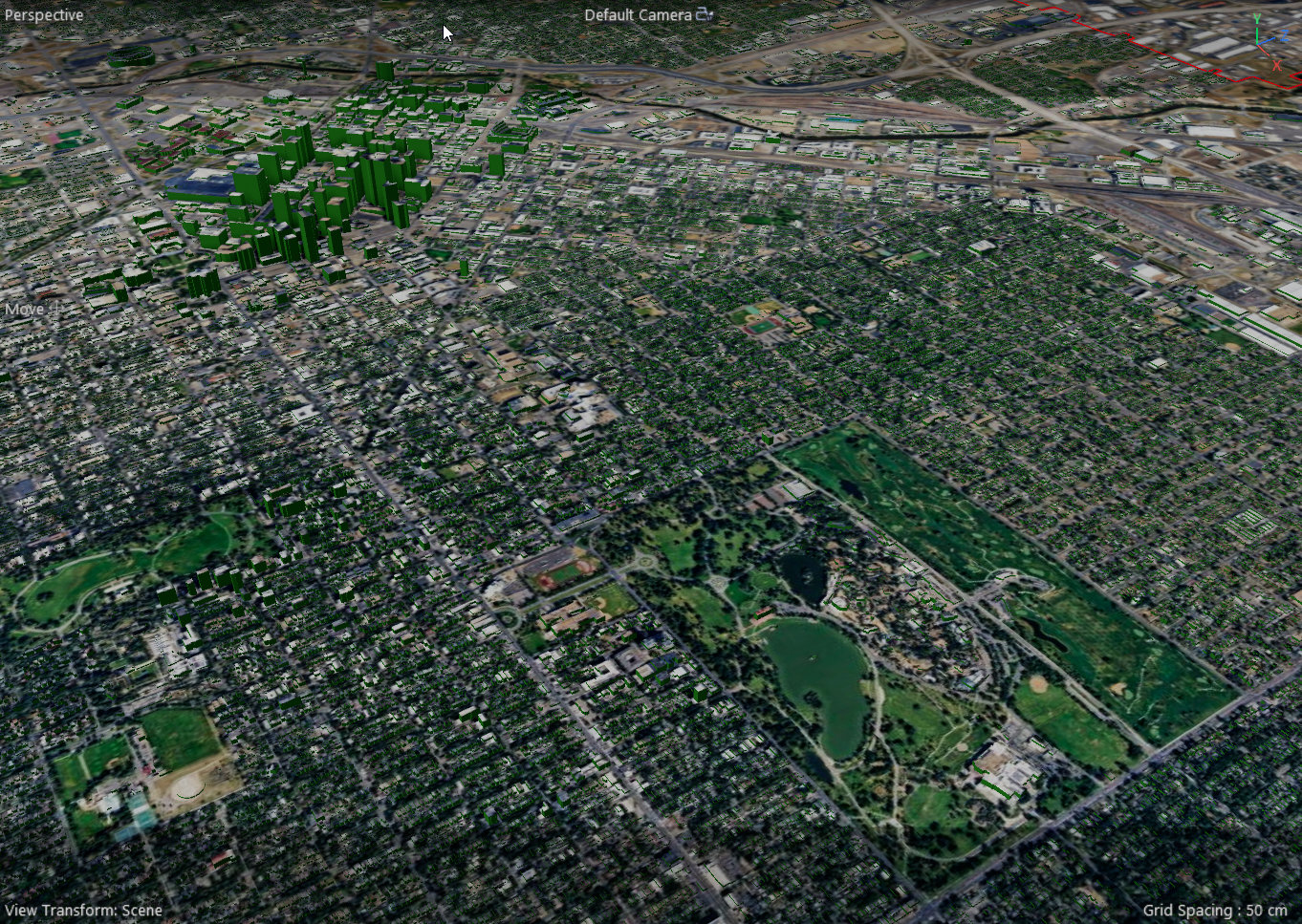
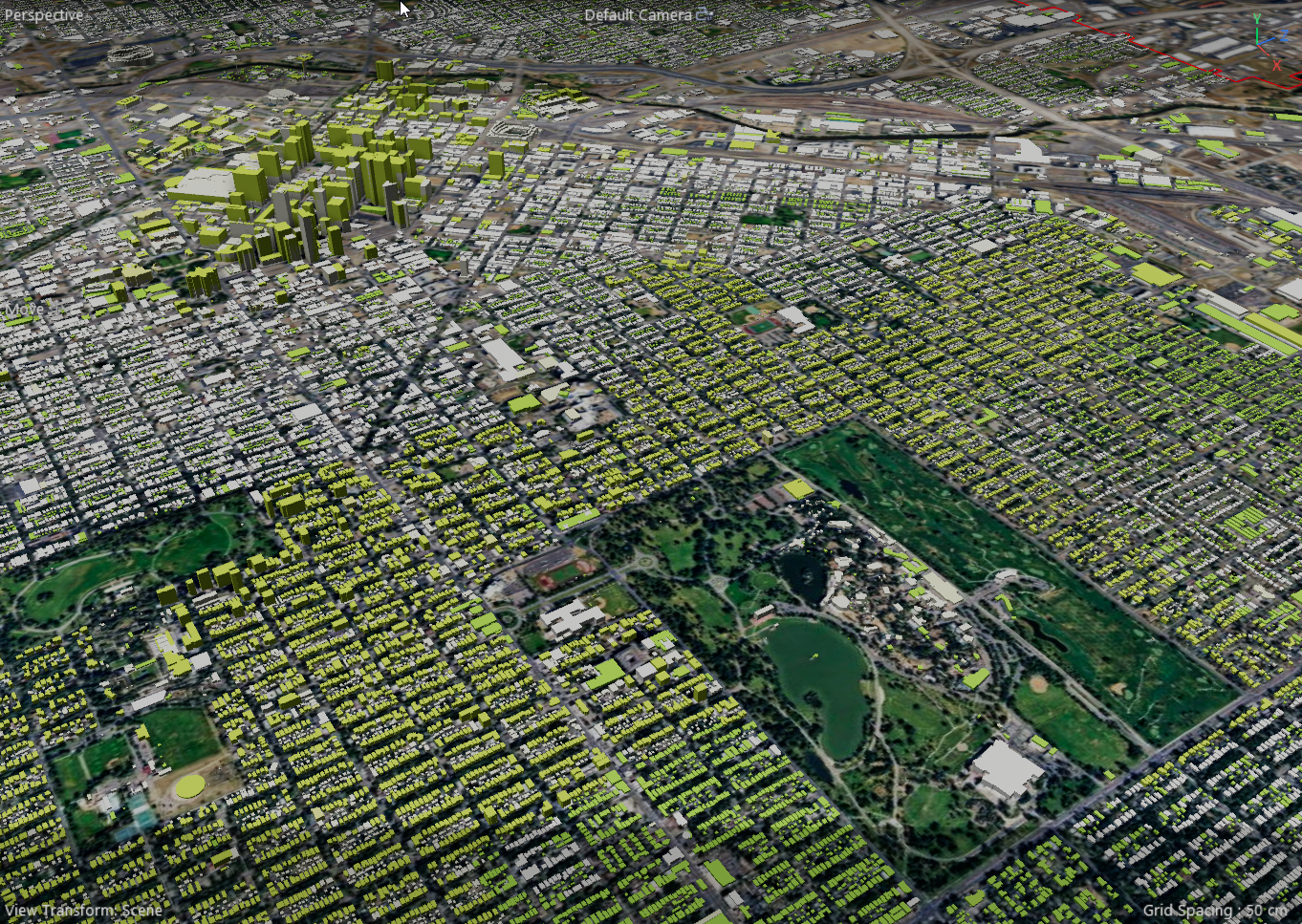
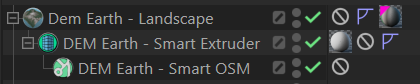
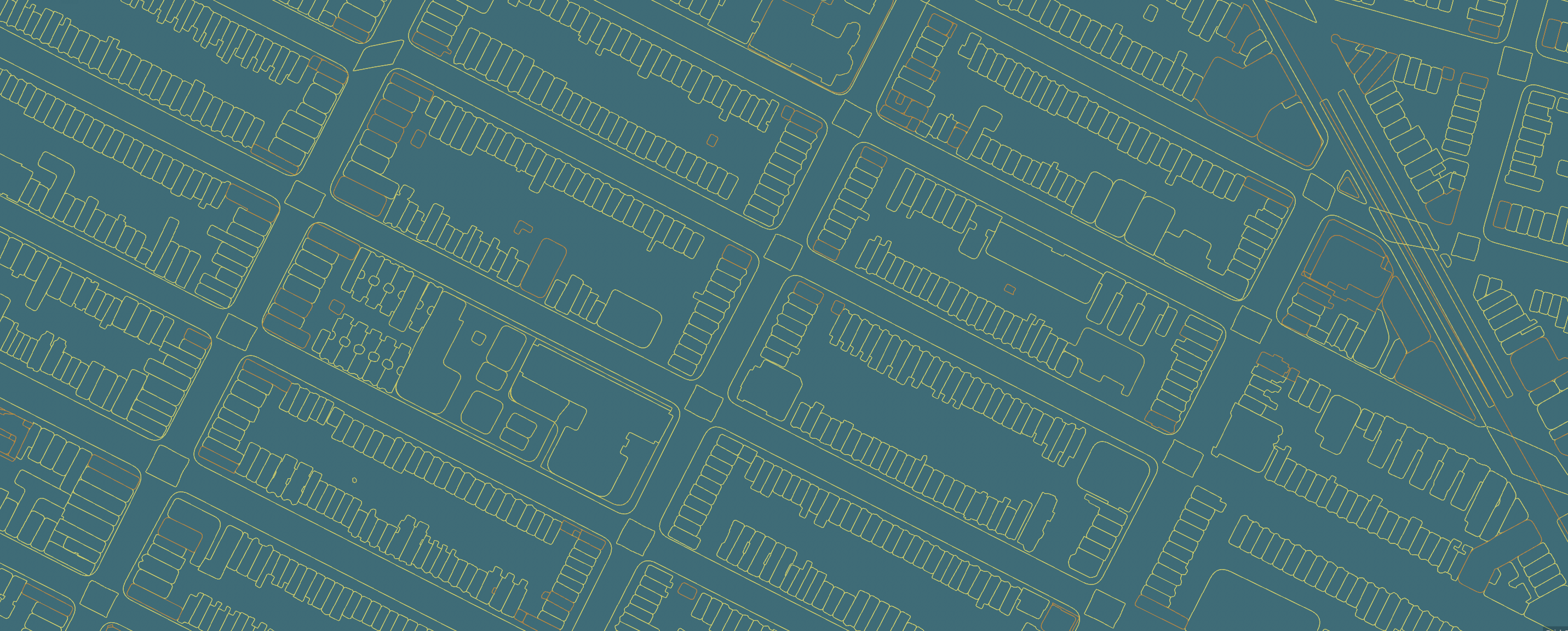
The Smart Extruder is used to very quickly extrude spline outlines generated by the Smart OSM object.
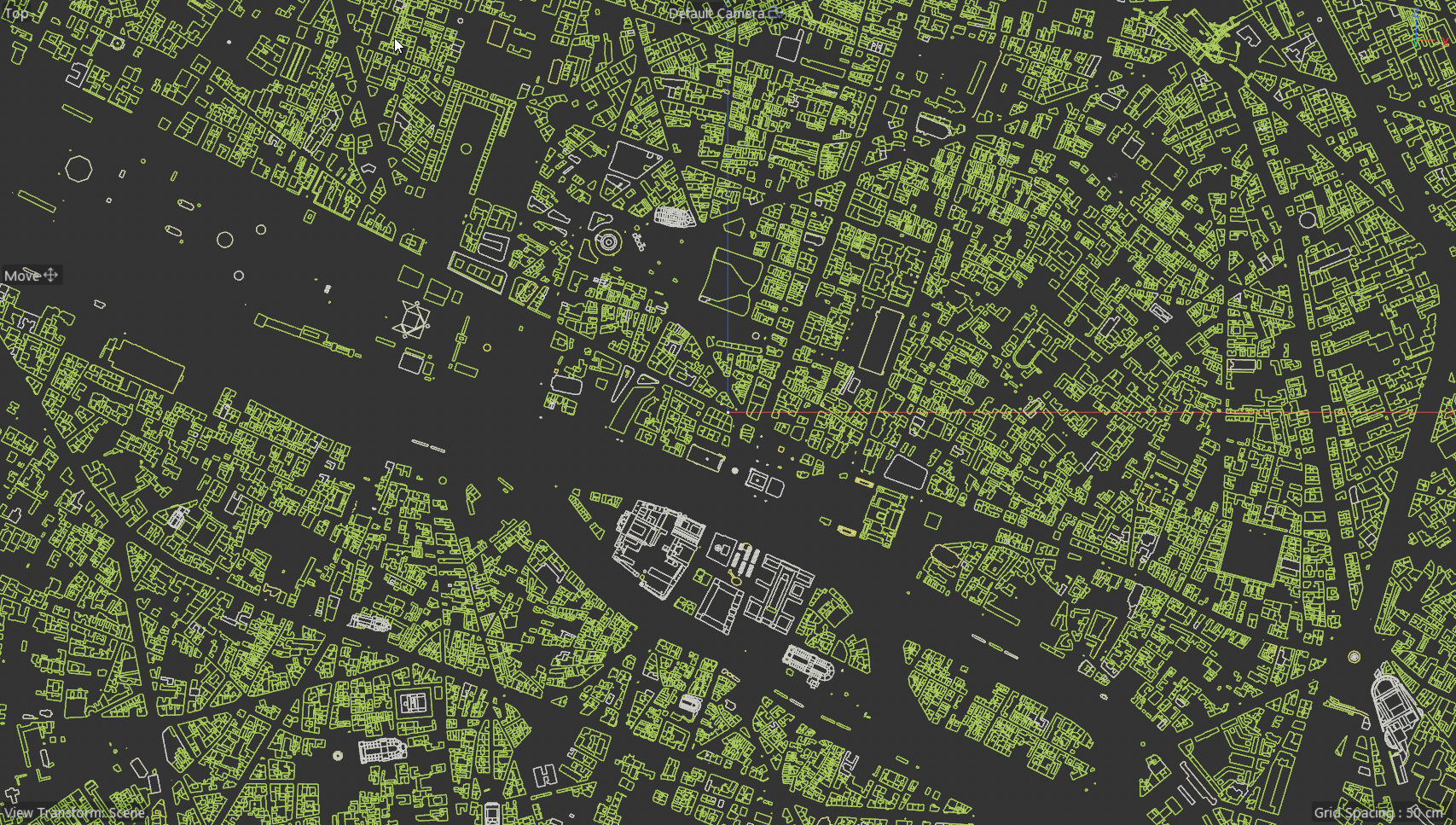
Smart OSM - Spline outlines
Smart Extruded.
The Smart extruder will use any height value it comes across for building heights. It is extremely fast and extruding a lot of outlines. You can not hope to extrude this many thousands of outlines with the c4d extruder. Smart Extr4uder solves that problem for you.
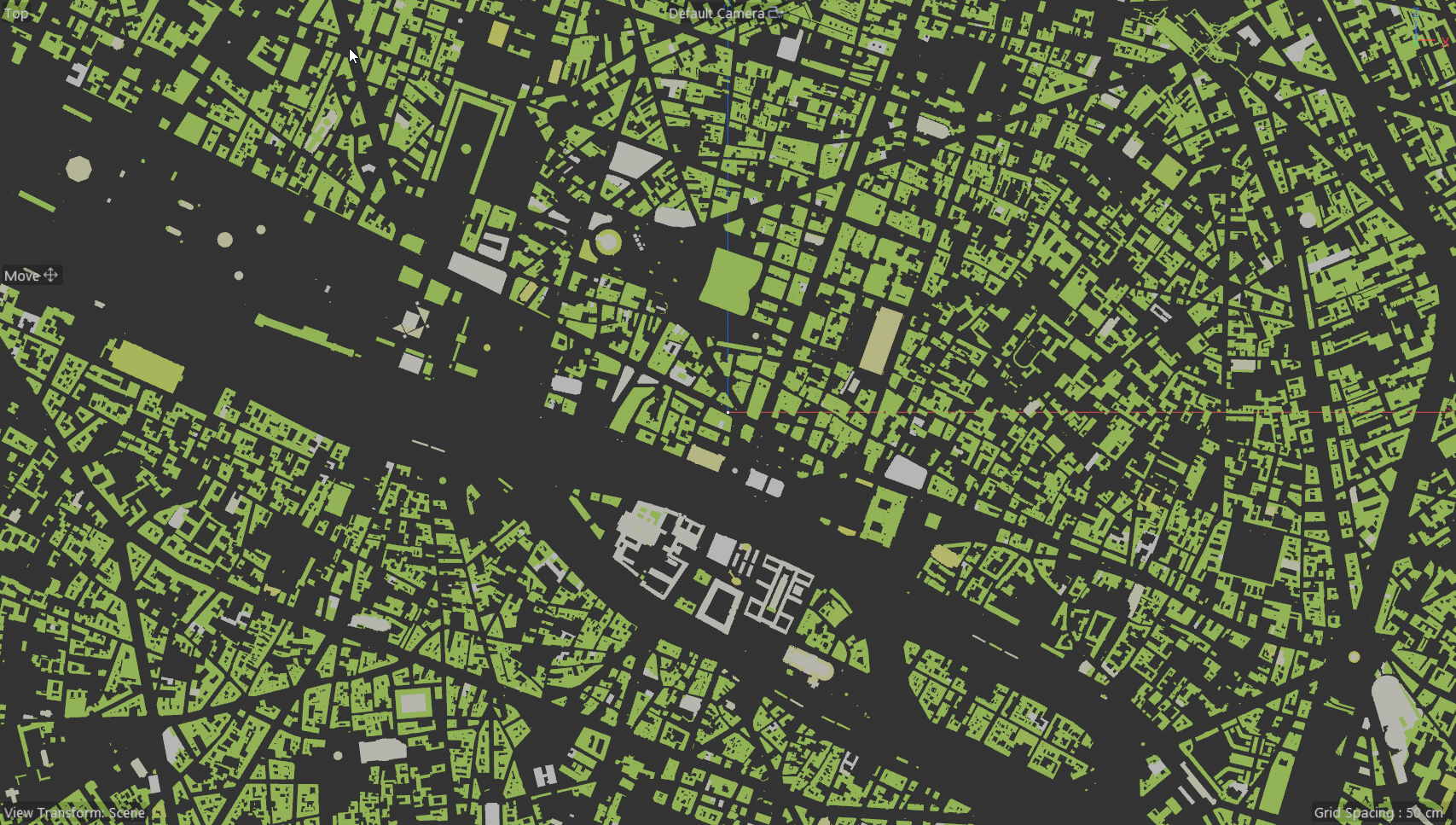
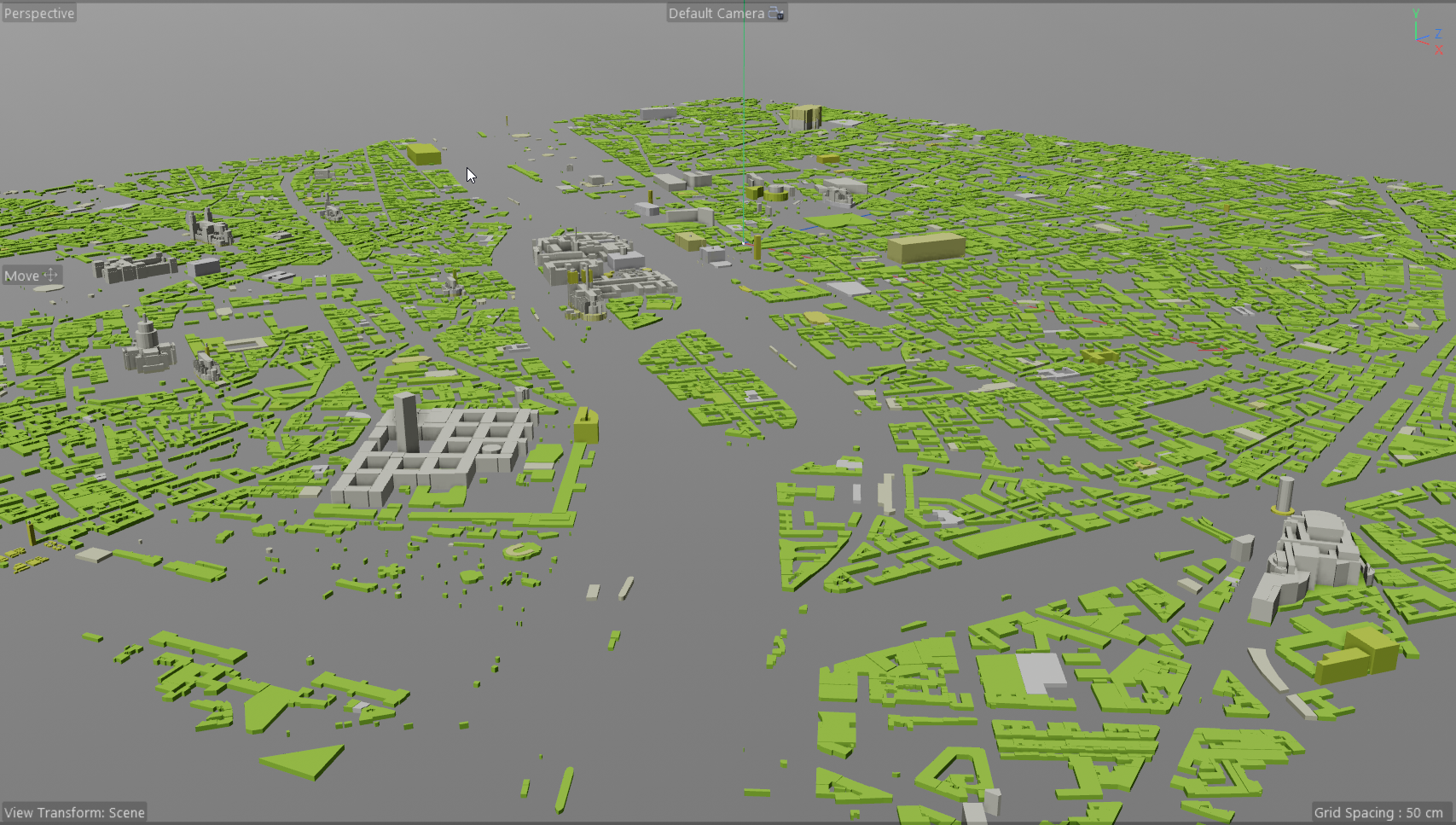
Settings are pretty simple, as it takes info from Smart OSM to decide what to extrude.
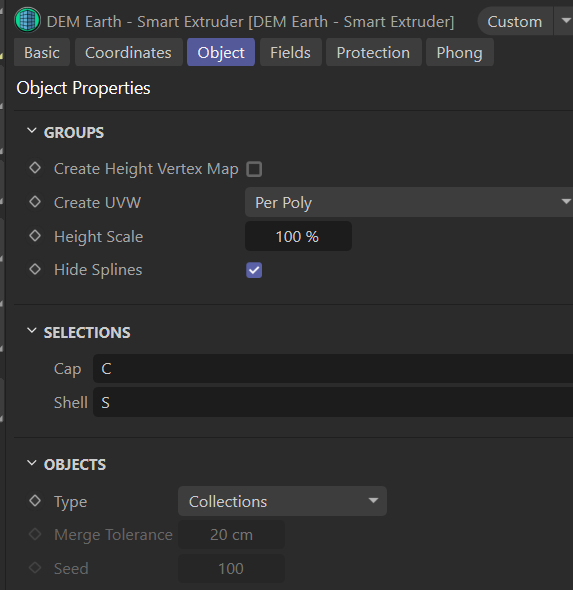
best is to use the BiPlanar UVW deformer to resolve UVW.
Any texture tags found on the Smart OSM object, are distributed amongst the generated objects.
In version 6.115 or greater, there are option to generate Collections (default groups taken directly from smart OSM) or to Generate individual Objects. These Objects can be merged by geographic range to produce less objects.
if you select "Individual Objects" with a range of 0.0, every single outline will produce an object. That can be a lot. in this example, over 8000 objects are produced. The color and index of each object is determined by its geographic location. it will always be the same, at the same place, with the same seed. It is not simply random color or selection.
Any texture tags found on the smart OSM are cycled through and distributed equally.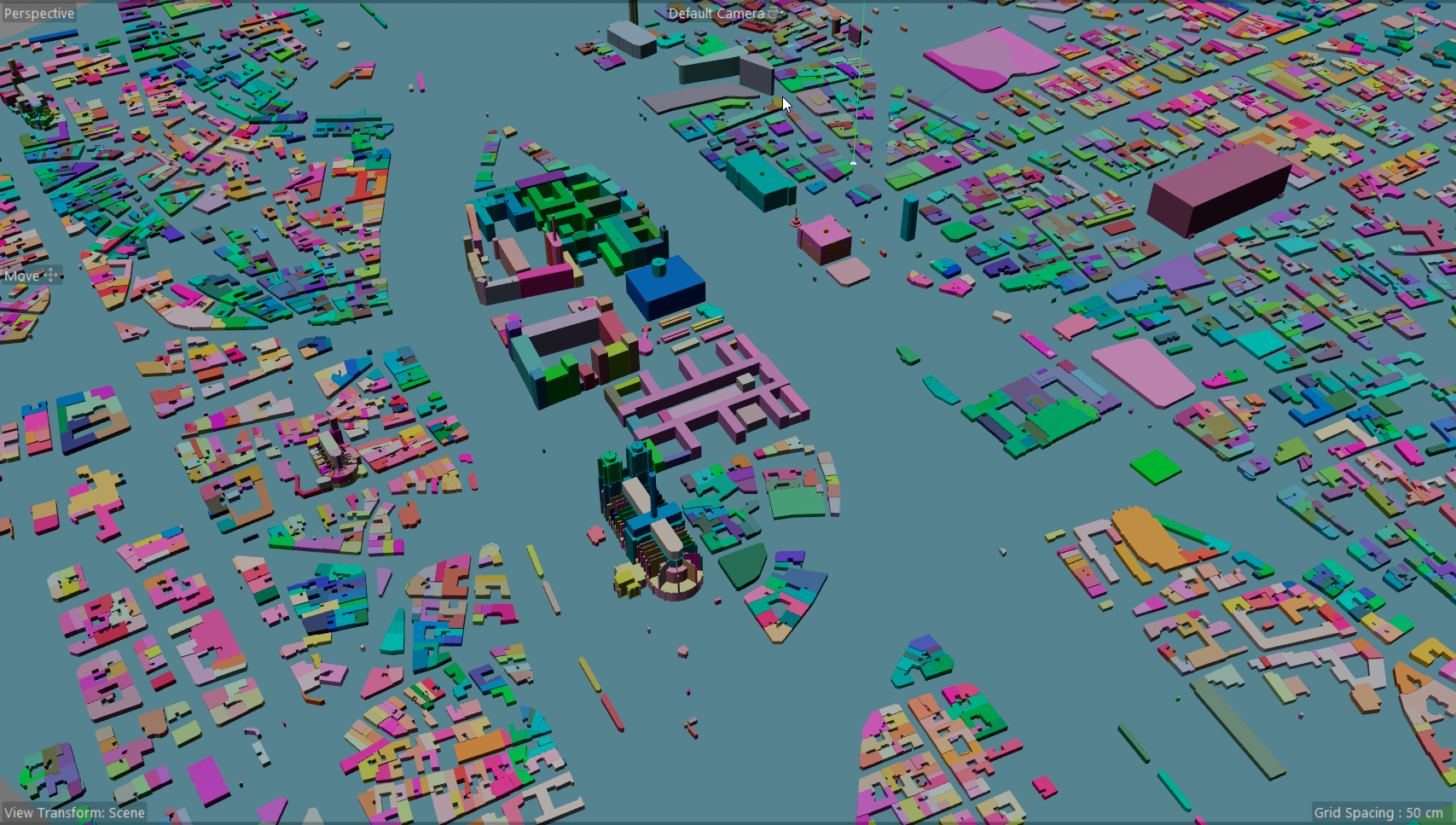
if you set the Merge range to i.e. 25m, you get 1700 objects. Texture tags are then distributed across those objects equally.
Object close to each other, are then clustered and grouped into single objects, and the Geographic location color and index are applied. Merging generates clusters of objects. 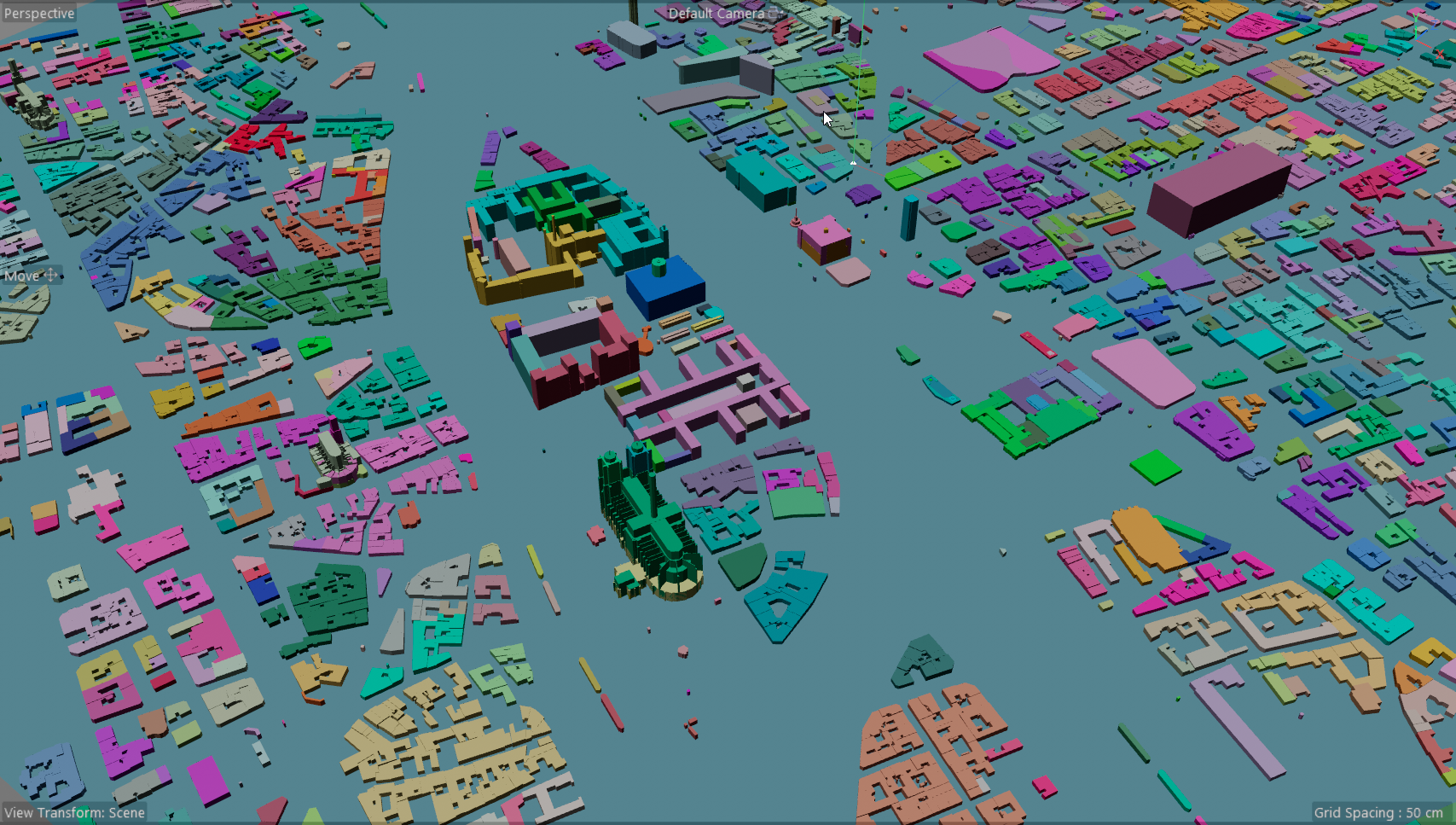
A larger range produces less objects, but clusters then contain more merged objects, which changes the geographic median of the cluster, and its color/index.
i.e. a Merge Range of 100 creates just 320 objects in this example. But still gives you a nice distribution of for materials.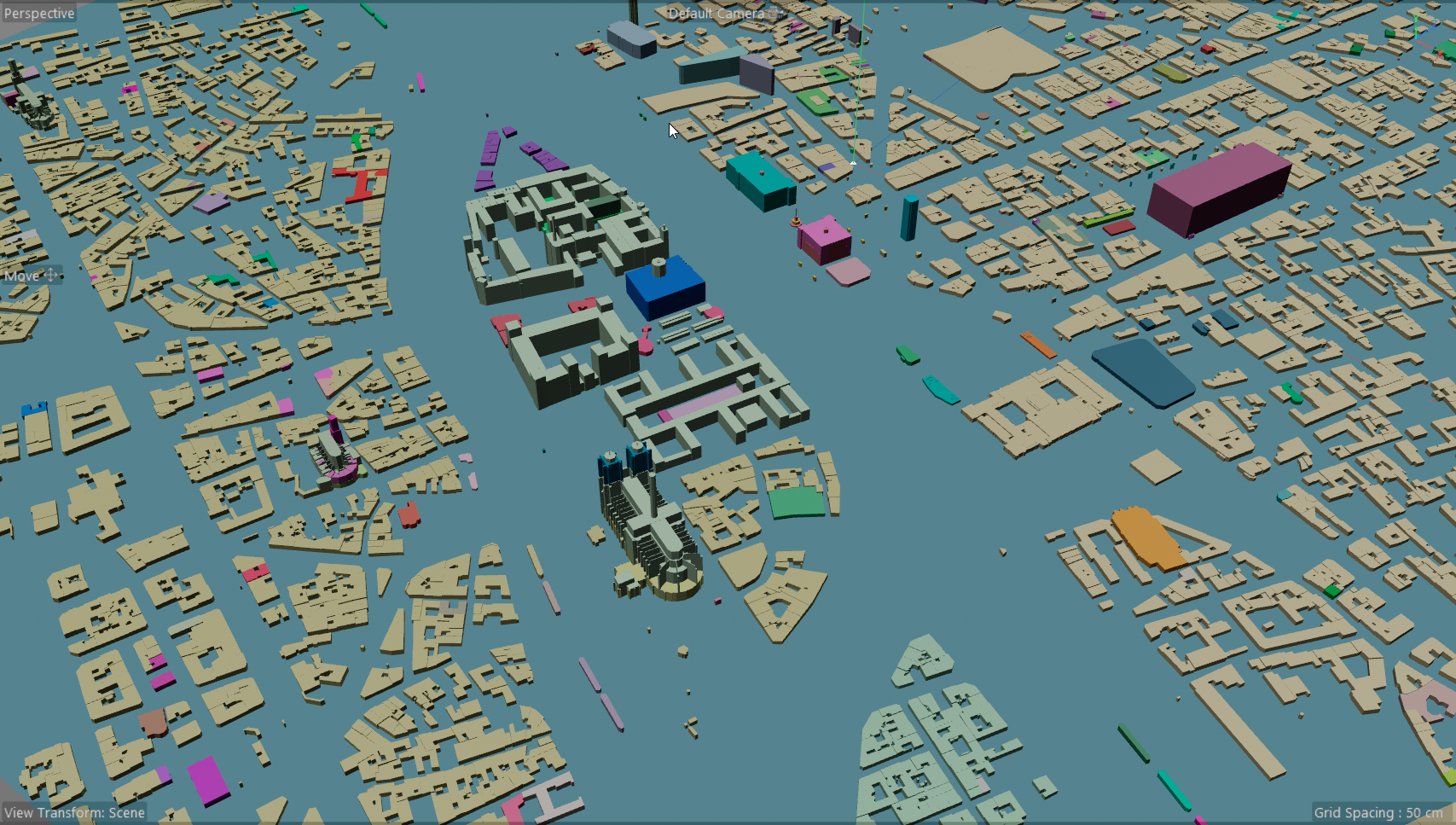
- Individual objects takes longer to calculate.
- Merge distance effects object count. Higher merge distance creates less object.
- If you want a different material on each object, you would set Merge range to 0.0, and add a lot of material tags to the Smart Extruder. The more you add , the more variation you get.
- Generating Collections is much faster, but you can not distribute materials as well with Collections.
note: the uvw settings will probably disappear in an update. They are not necessary now that I have added the biplanar deformer.
note: if your location is set, you can make the smart OSM object editable for optimal performance.
TIP: use Bevel 2.0 on Smart OSM buildings. it looks great :)
TIP : Use the BiPlanar deformer to unify UVW coordinates.
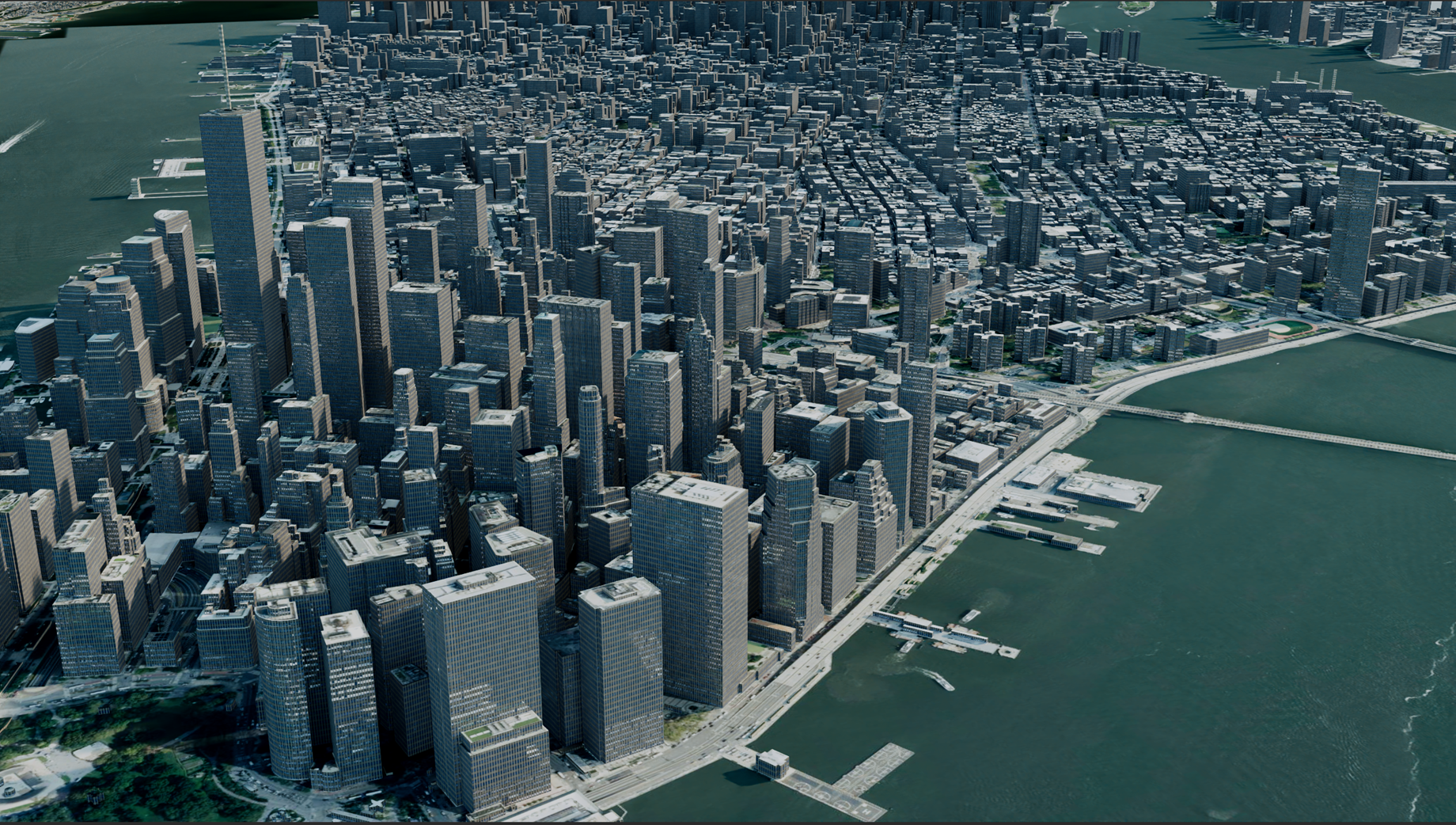
This kind of unified UVW distribution is only possible with the BiPlanar deformer.